
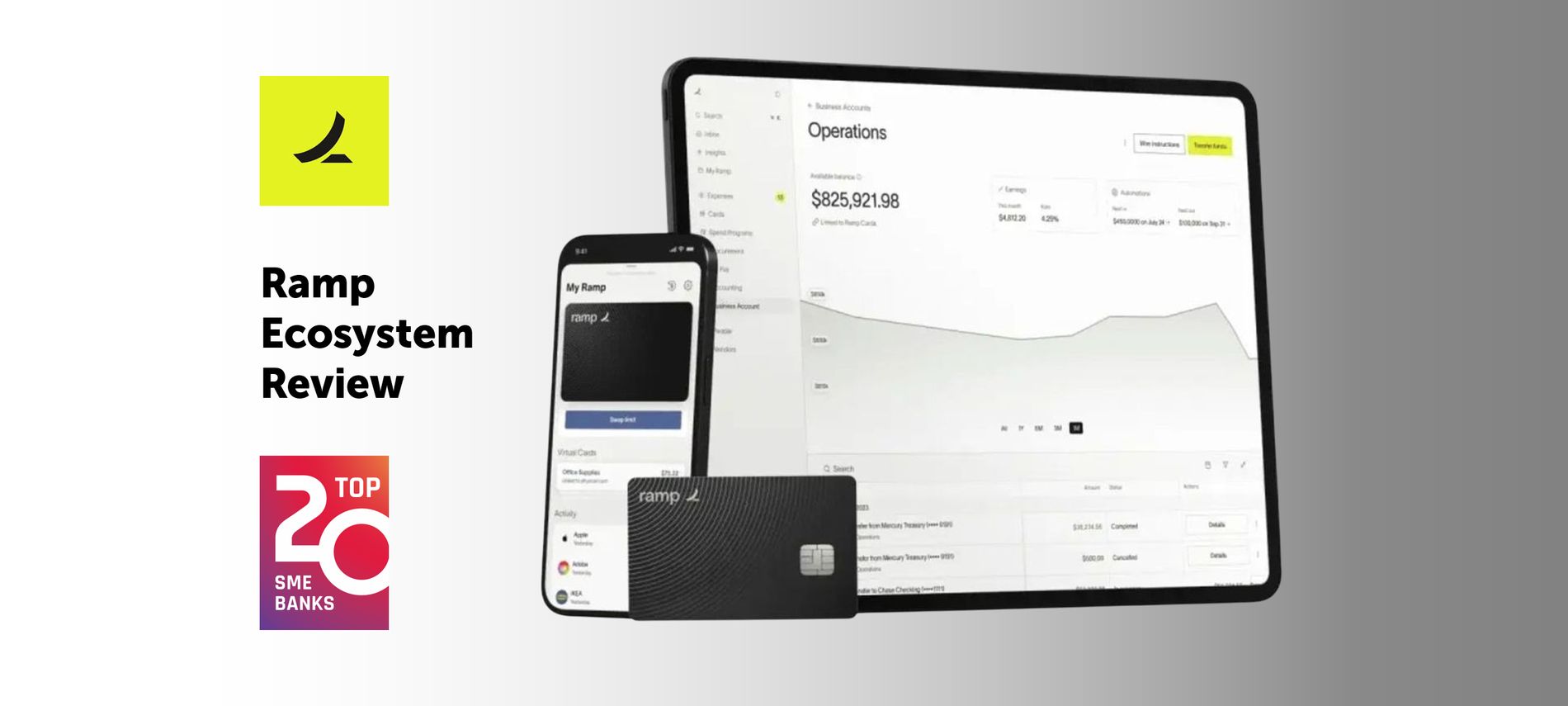
Ramp is one of the fastest-growing fintech companies in the United States. By 2025 – just six years after its founding – it reached a $13B valuation and now serves 30K+ businesses of all sizes.
This rapid growth is not accidental. Ramp has earned its position by combining AI-driven automation with constant product innovation. Its platform helps companies save time and reduce costs by automating routine tasks and improving control over business spending.
Payment acceptance
Ramp focuses on managing corporate expenses and financial operations. It doesn’t provide point-of-sale features, checkout solutions, or native integrations with e-commerce platforms. Companies that need to collect payments must use Ramp alongside payment processors.
Expense management
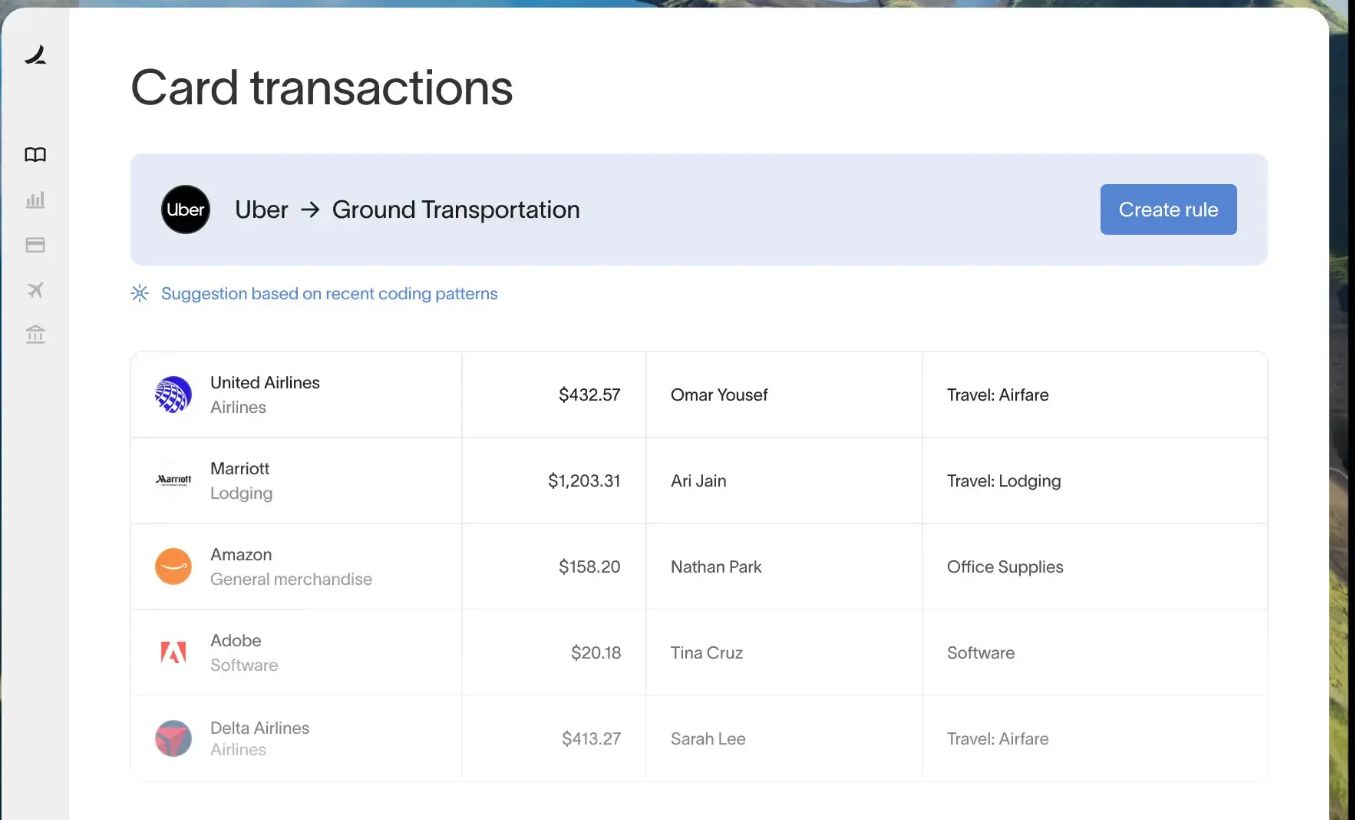
Comprehensive expense management is Ramp’s core offering. The platform provides all essential tools – expense cards with full controls, automated approval workflows, and policy enforcement – to reduce manual work for finance teams and eliminate wasteful spending.
| Feature | Description |
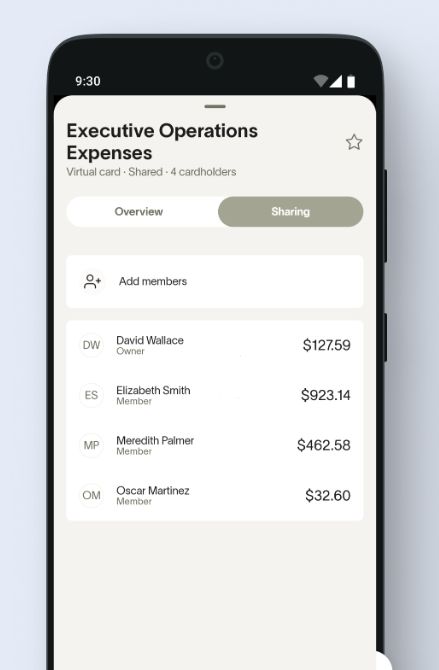
| Corporate cards | Unlimited virtual and physical cards with custom rules, spending limits, vendor restrictions, and auto-locks. |
| Real-time tracking | Transactions appear instantly in dashboards, grouped by team, user, or category.
|
| Expense policies | Users can set limits (by role, vendor, or category) and enforce controls before spending occurs. |
| Approval workflows |
|
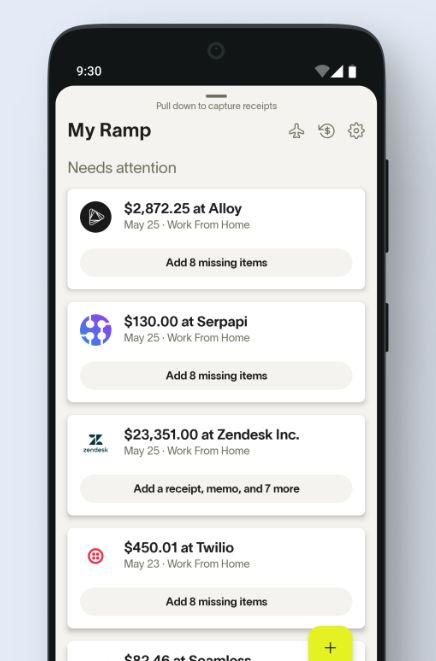
| Receipt management |
|
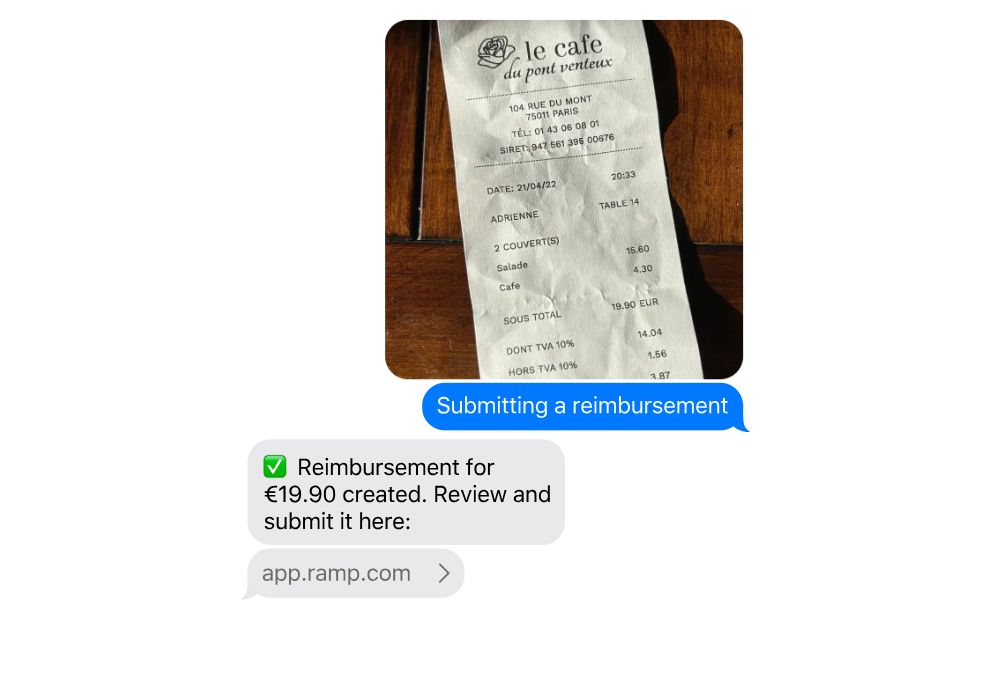
| Reimbursements | Built-in flow for reimbursing out-of-pocket expenses directly to bank accounts.
|
| Audit trail | All actions are logged and traceable for compliance and internal audits. |
| Alerts | Flags specific behaviors like weekend spend, alcohol purchases, or missing itemization. |
| Automated categorization | Uses AI to auto-tag expenses by GL code, vendor, and department. |
| Accounting sync | Native integrations with QuickBooks, Xero, NetSuite, and others for auto-reconciliation. |
Subscription management
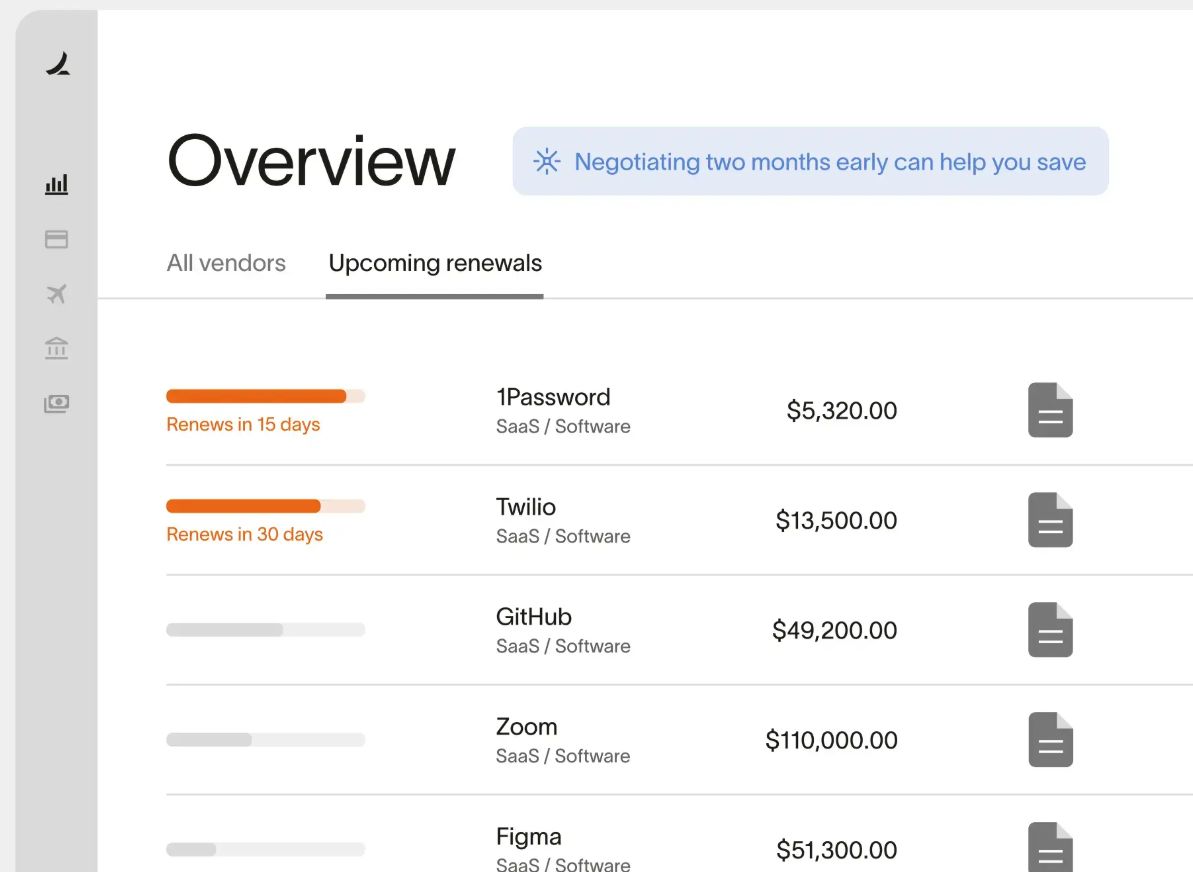
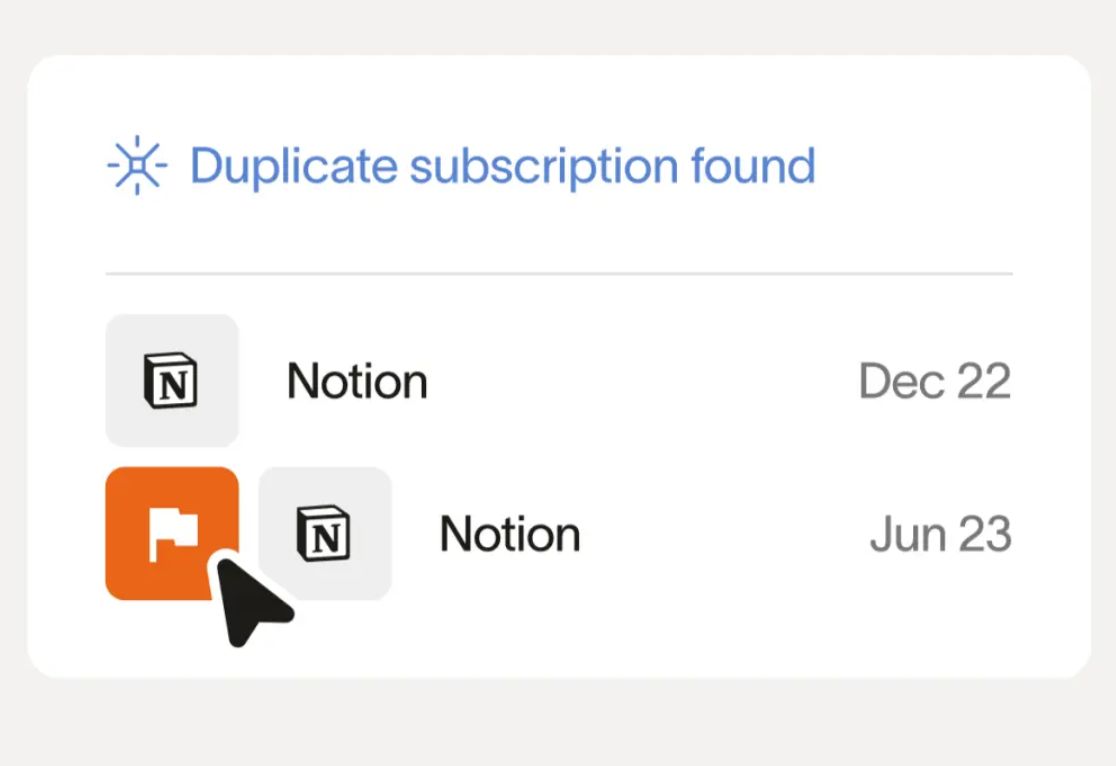
As a part of expense management, Ramp also helps businesses gain visibility and control over recurring expenses. The platform tracks active subscriptions, prevents waste from duplicate or unused services, and simplifies management with automation and alerts.
| Feature | Description |
| Subscription tracking | Automatically identifies recurring charges and organizes them by vendor and user. |
| Dedicated cards | Users can assign individual virtual cards for each subscription to prevent misuse and simplify cancellation. |
| Duplicate detection | Flags similar or redundant subscriptions across teams to reduce waste. |
| Spending alerts | Notifies users of unexpected changes in recurring charges or subscription growth. |
| Ownership assignment | Each subscription can be assigned to a team member for accountability and review. |
| Easy cancellation | Admins can cancel or freeze subscription cards instantly to stop charges. |
| Renewal monitoring | Tracks renewal dates and alerts teams in advance to prevent unwanted auto-renewals. |
| Insights dashboard | Central view of all active subscriptions by cost, frequency, and owner. |
Invoice and bill management
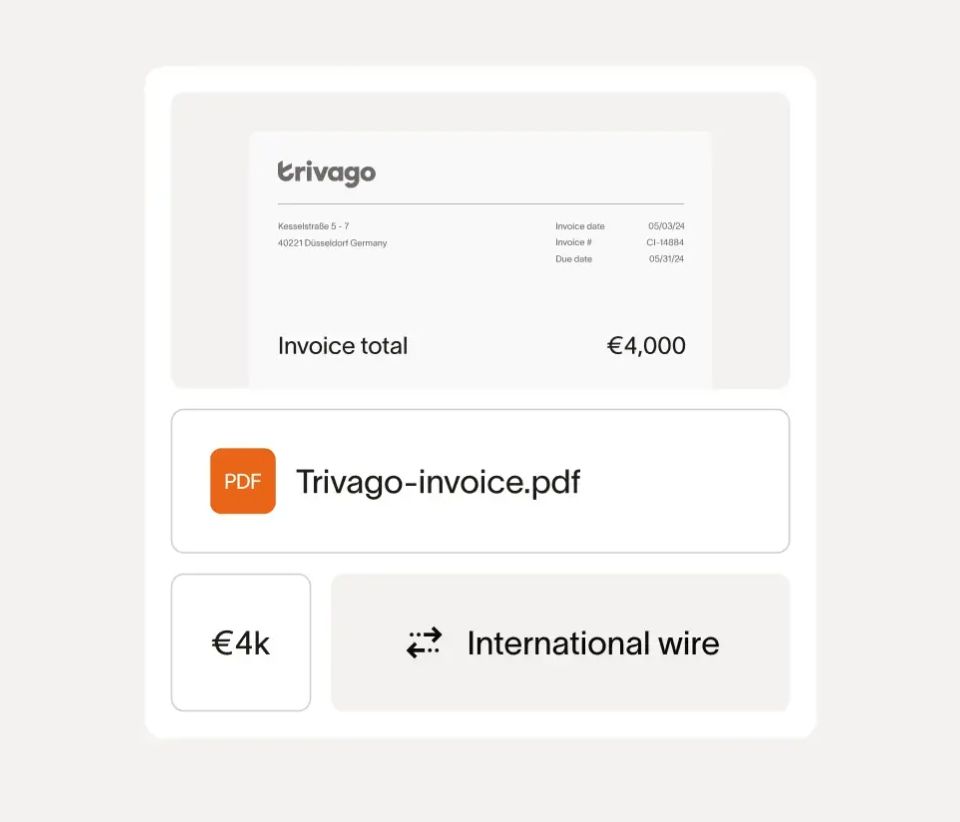
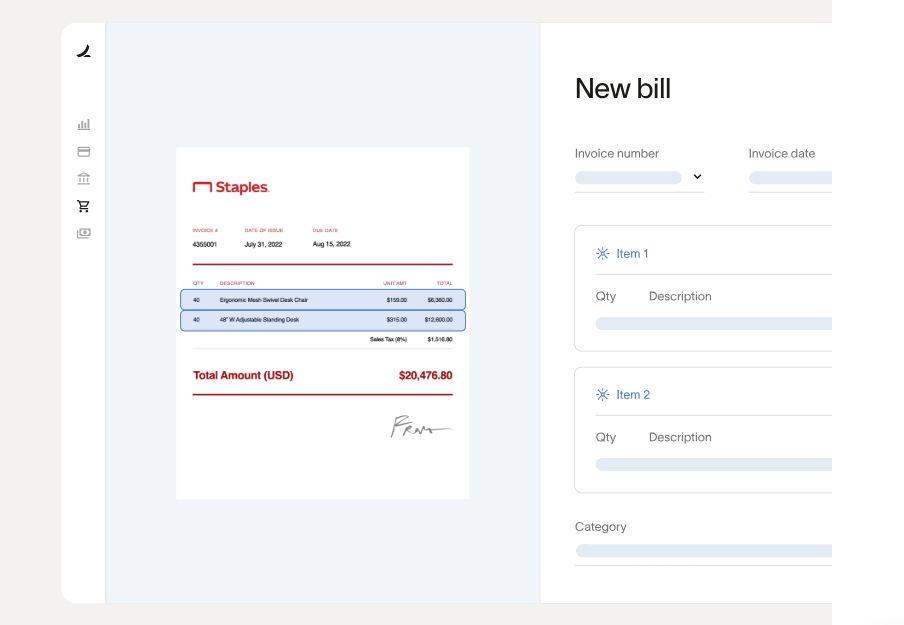
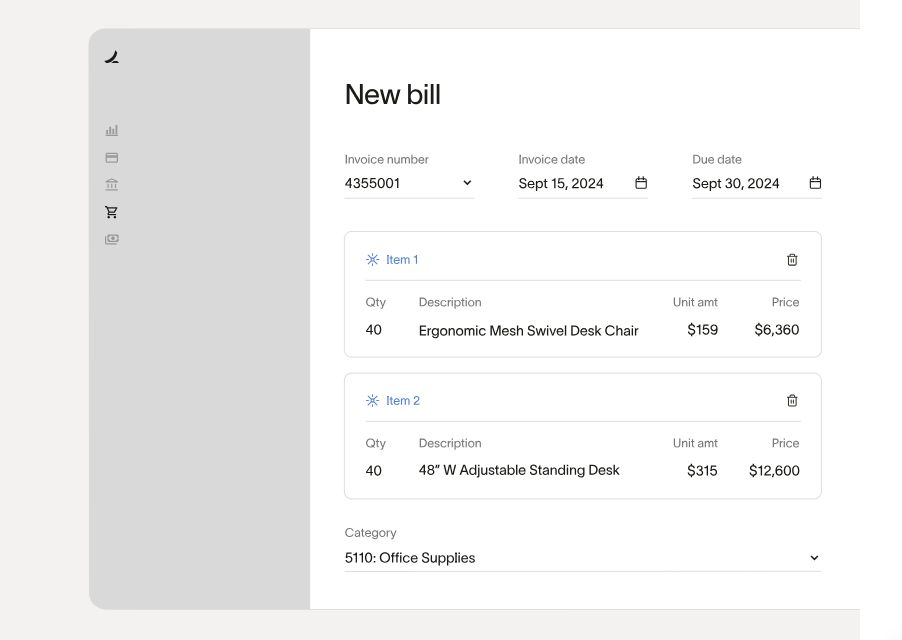
AI-powered Ramp’s invoice and bill processing reduces manual data entry, flags potential issues, and simplifies vendor payments.
| Feature | Description |
| Invoice capture | Allows uploading or forwarding invoices via email. Ramp extracts key data using OCR. |
| Automatic data extraction | AI pulls vendor name, invoice number, due date, amount, and line items. |
| Approval workflows | Bills follow pre-configured multi-step approvals before payment is authorized. |
| Duplicate detection | Flags duplicate invoices to prevent double payments. |
| Budget matching | Compares incoming bills against existing budgets to ensure spend control. |
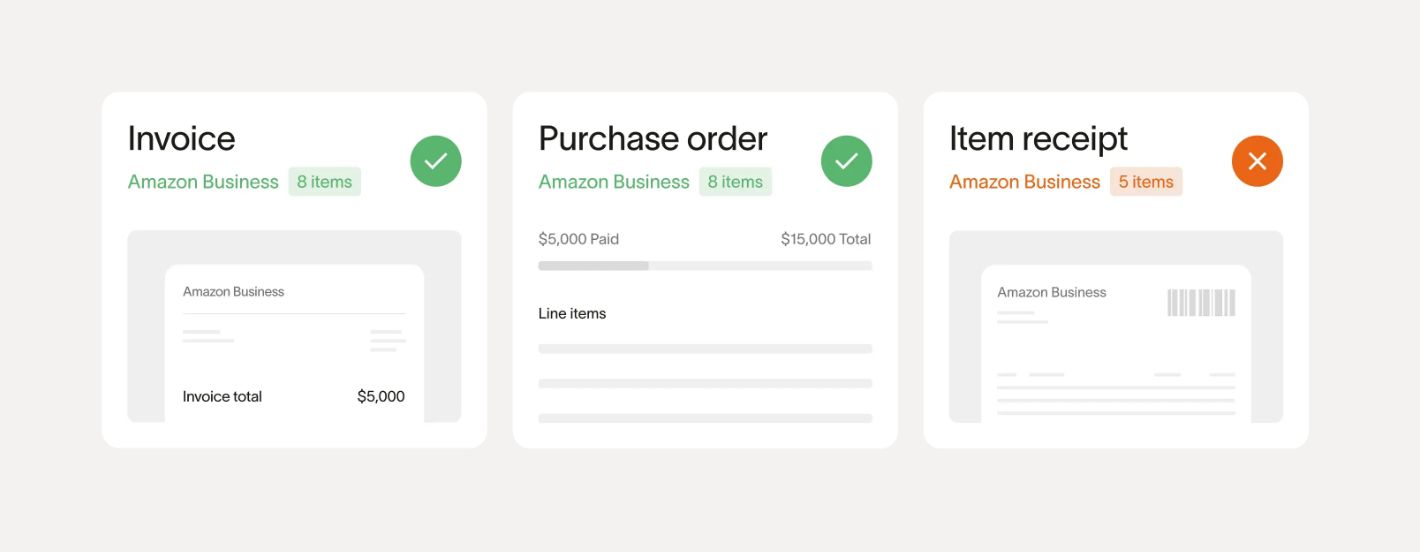
| Three-way matching | Matches invoice, purchase order, and receipt to validate accuracy before payment. |
| Scheduled payments | Users can set payment dates to align with cash flow or vendor terms. |
| Payment processing | Allows paying vendors directly from Ramp using ACH, check, or card. |
| Vendor management | Centralized list of vendors with payment history and contact info. |
| Notifications | Alerts for high-risk vendors, missing information, or out-of-policy bills. |
Procurement management
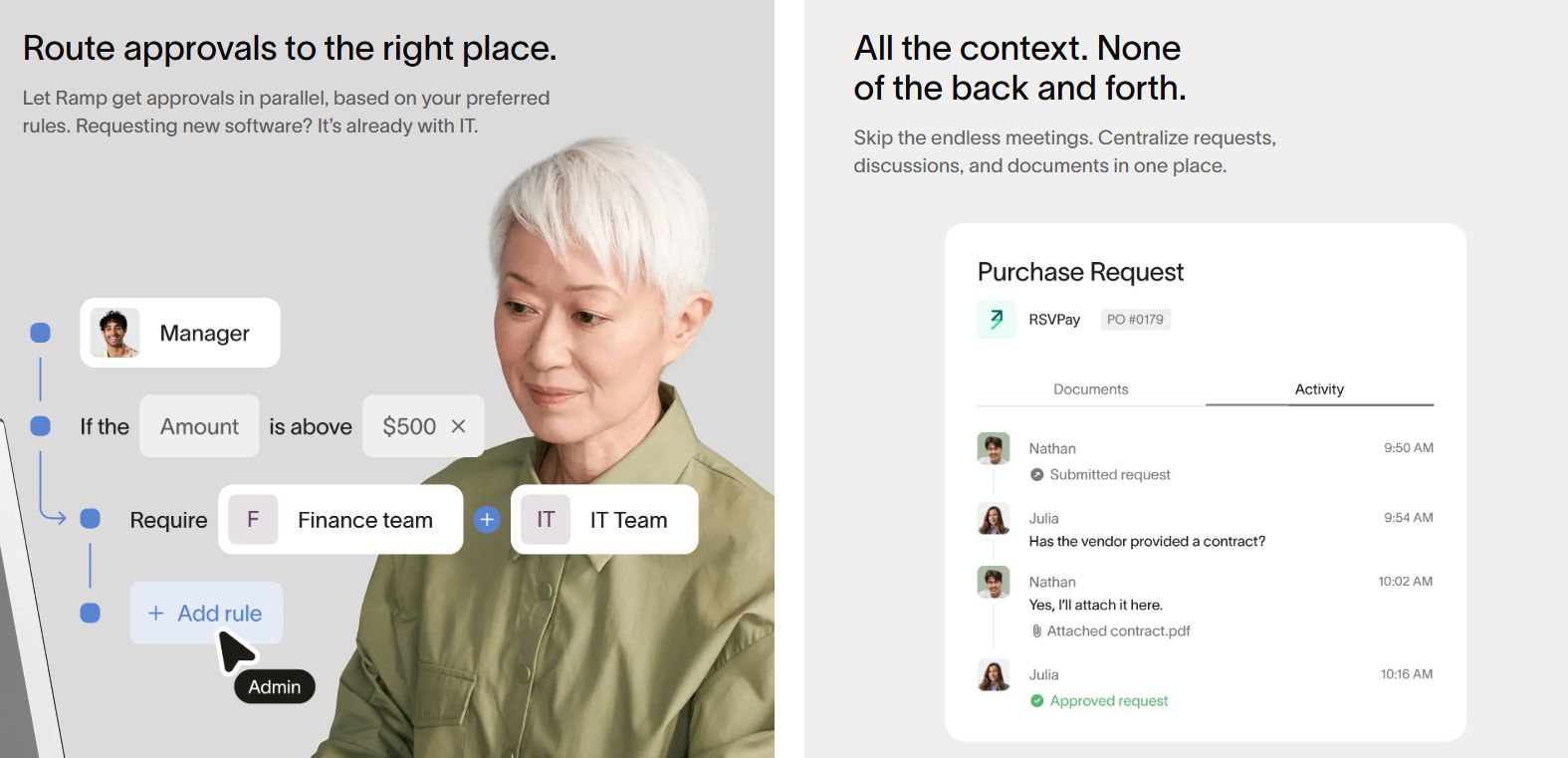
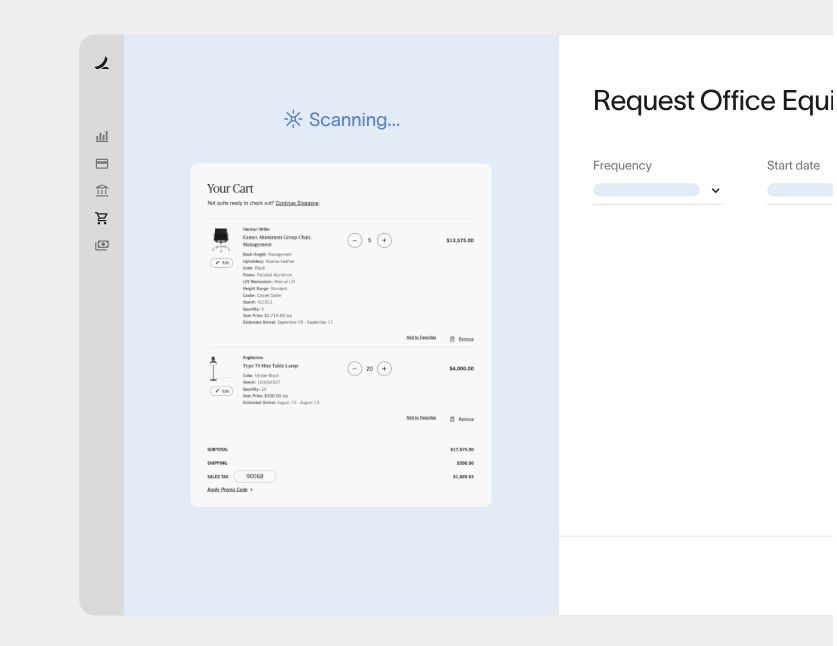
Ramp streamlined procurement operations, increases visibility, and enforces spending policies before purchases are made. It centralizes vendor and request management, reduces manual tasks, and accelerates pre-accounting processes with built-in automation.
| Feature | Description |
| Purchase requests | Employees can submit requests with vendor details, estimated cost, and purpose. |
| Custom intake | Centralized request intake with a single entry point for all employee needs. |
| Pre-approval workflows | Requests follow customizable approval chains before any spend occurs. |
| Vendor management | Tracks vendor data, spend history, and contracts in one place. |
| Order documentation | Allows upload of quotes, contracts, and invoices to support requests. |
| Policy enforcement | Enforces spend controls based on budget, vendor, and category rules. |
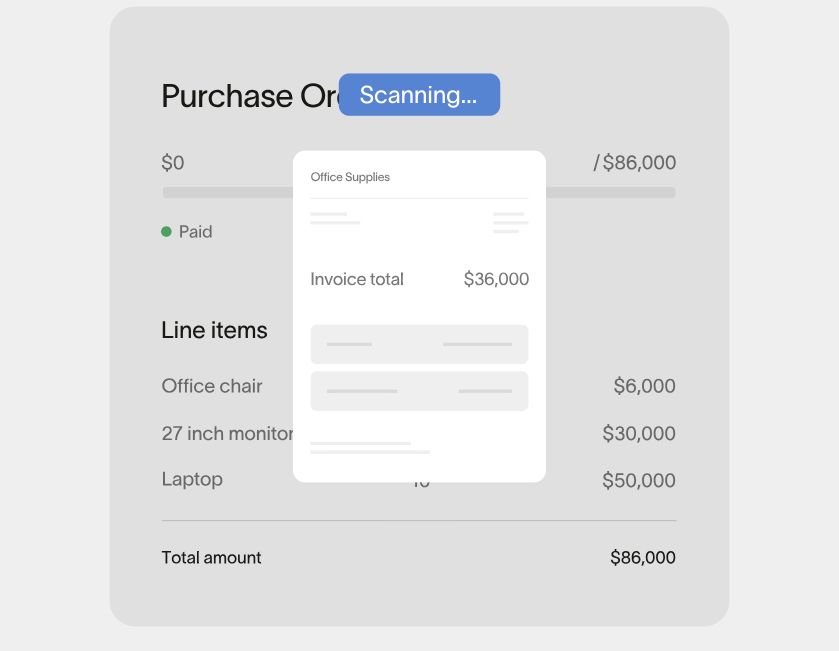
| Purchase order (PO) management | Supports PO creation, tracking, and matching against invoices. |
| Overbilling protection | Detects overcharges with configurable tolerance thresholds. |
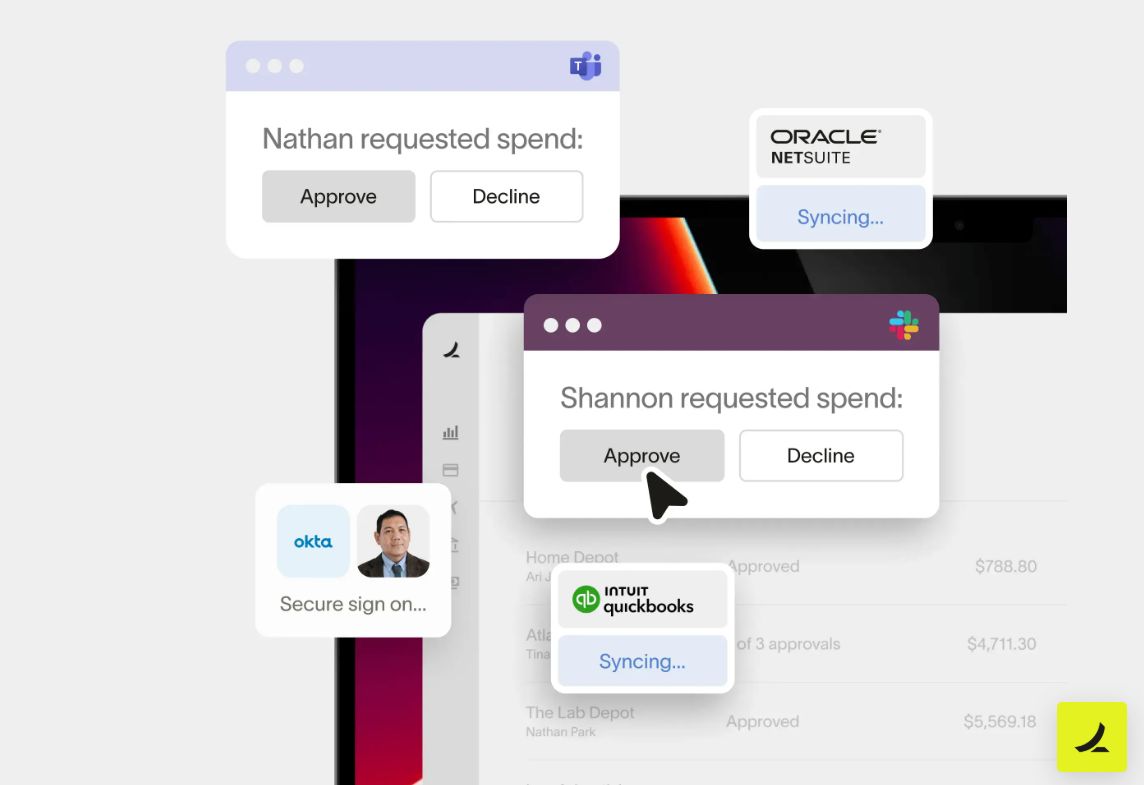
| Orchestration | Automates procurement flows across systems, departments, and communication channels. |
| Multi-way matching | Supports two-way (invoice to purchase order) and three-way (invoice, purchase order, and receipt) matching to validate accuracy before payment. |
Analytics tools
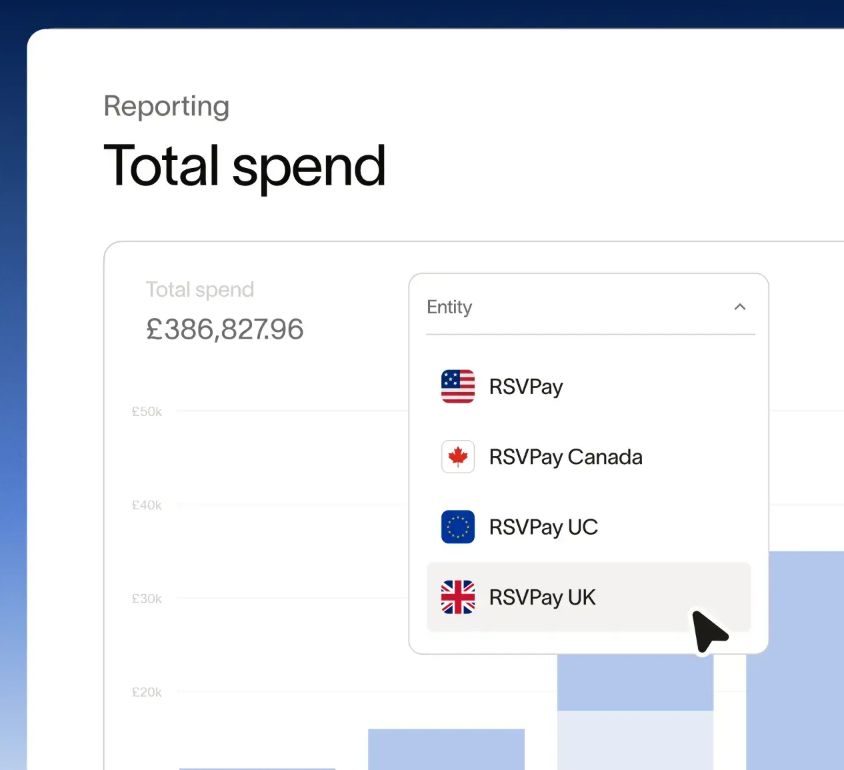
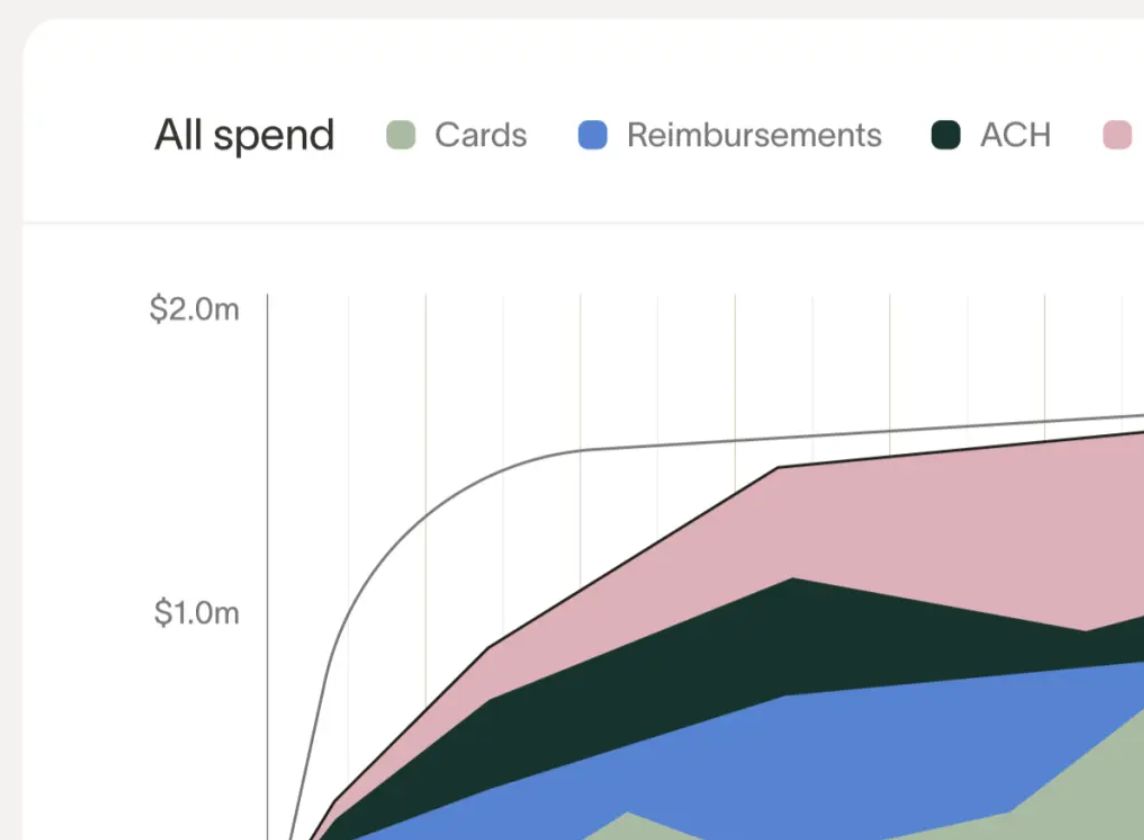
Ramp’s dashboard offers real-time analytics and comprehensive reports with the option to drill down by team, vendor, and user.
| Feature | Description |
| Custom dashboards | Users can build tailored views based on spend category, project, location, or entity. |
| Spend analytics | Shows real-time data by department, merchant, cardholder, or GL category. Helps identify trends and outliers. |
| Savings insights | Automatically detects duplicate subscriptions, unused SaaS tools, and opportunities to downgrade plans. |
| Budget tracking | Monitors actual spend vs. approved budgets in real time across teams or departments. |
| Spending runway | Estimates how long the current balance will cover average spending, based on historical trends. |
| Top vendor reports | Shows spending by vendors to identify negotiation opportunities or consolidation areas. |
| Card usage reports | Tracks which cards are most and least used. |
| Late or missing receipts | Displays the transactions with missing receipts. |
| Exportable data | Enables to download of reports (CSV) and schedule recurring exports. |
| AI-based alerts | Highlights potential issues like weekend transactions, overspending, or policy violations. |
Accounting tools
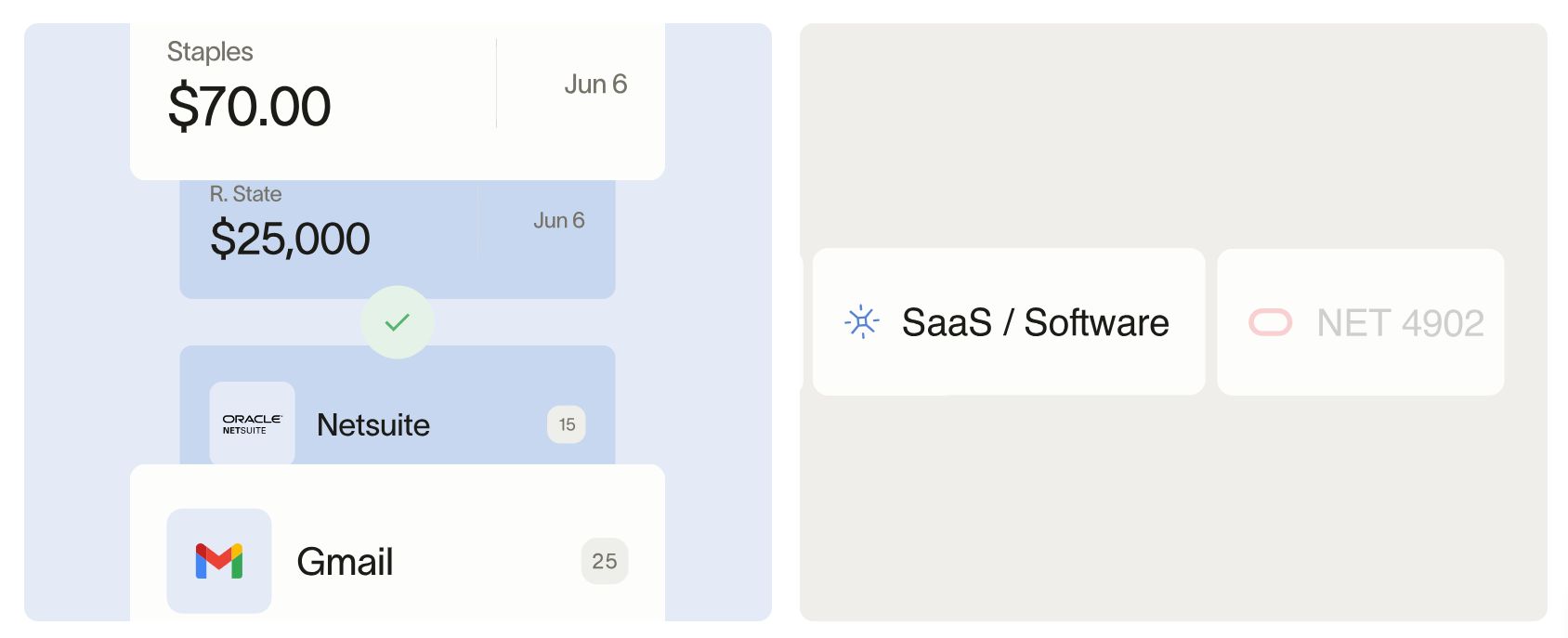
Ramp helps finance teams close books faster by automating key tax management and accounting tasks and syncing directly with general ledger systems.
| Feature | Description |
| Accounting integrations | Native sync with QuickBooks, Xero, NetSuite, Sage Intacct, and others. |
| Automatic categorization | AI auto-tags transactions with correct GL codes, departments, and vendors. |
| Entity-level sync | Users can separate books and rules per entity or subsidiary. |
| Multi-dimensional mapping | Allows assigning transactions to departments, projects, etc. |
| Audit trail | Tracks all changes and actions for each transaction. |
| Close automation | Streamlines monthly close with real-time exports, review tools, and status tracking. |
| Journal entries | Enables generating custom journal entries for reimbursement and card activity. |
| Tax management | Allows assigning tax codes and rates to expenses, supports custom tax rules, and exports tax-relevant data. |
| CSV exports | Users can download structured files with complete transaction and accounting data. |
FX and international trade
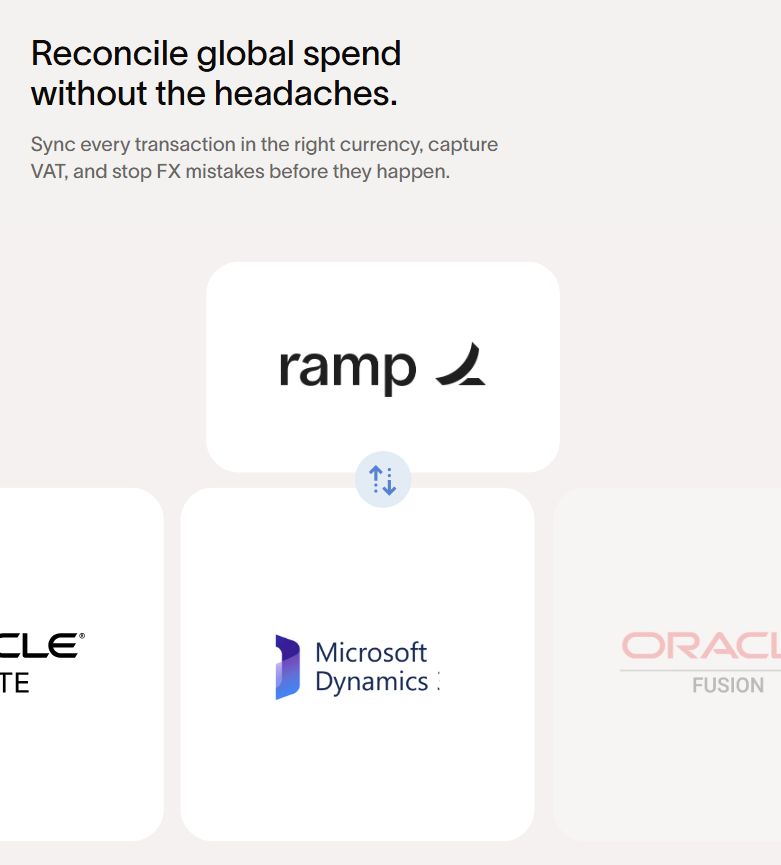
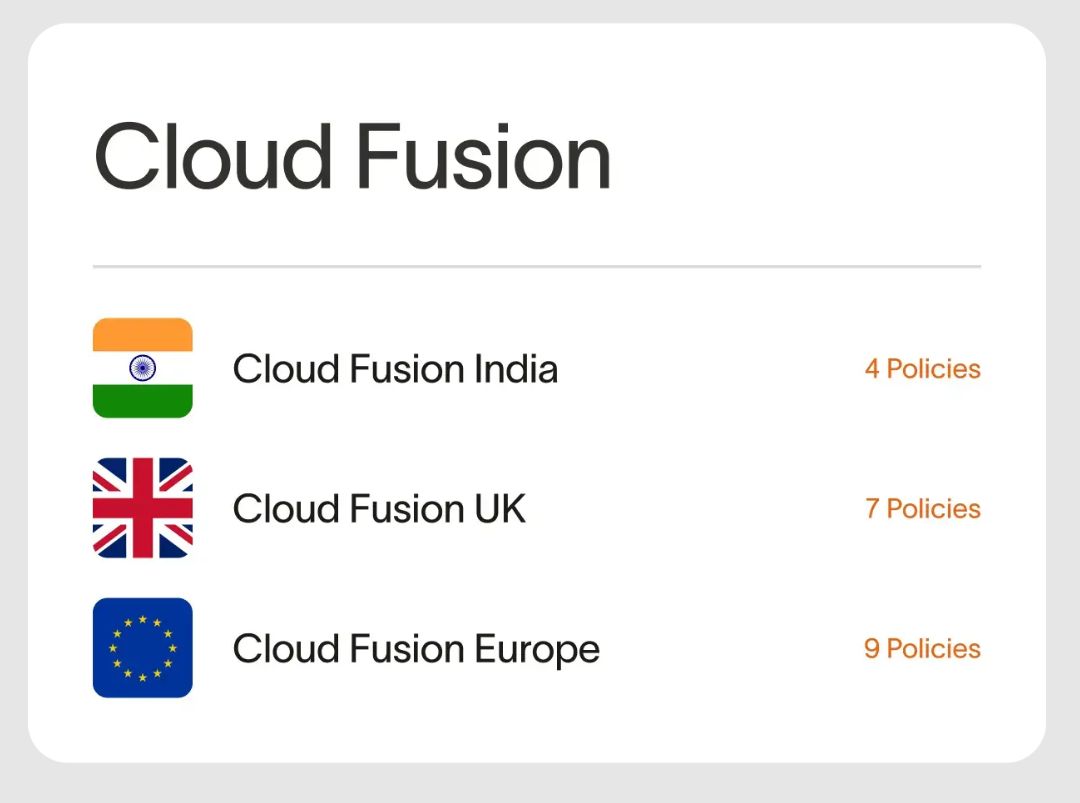
While not a full cross-border payment solution, Ramp provides helpful features for companies with international vendors or employees.
| Feature | Description |
| Multi-currency support | Card transactions are automatically converted at current rates. |
| FX visibility | Users can view the original currency, converted amount, and exchange rate in transaction details. |
| Global vendor payments | Supports bill payments to vendors in 30+ countries (via integrations). |
| Global reimbursements | International employees can be reimbursed in local currency through supported banking networks (only on the enterprise plan). |
| International cards | Enables to issuance of local cards for employees in other countries. |
| Cross-border spend tracking | Dashboards and reports show foreign spend by currency, vendor, and team. |
| Tax compliance | Enables detailed data exports (original currency amounts and tax fields to assist with local reporting and VAT reclaim). |
Treasury
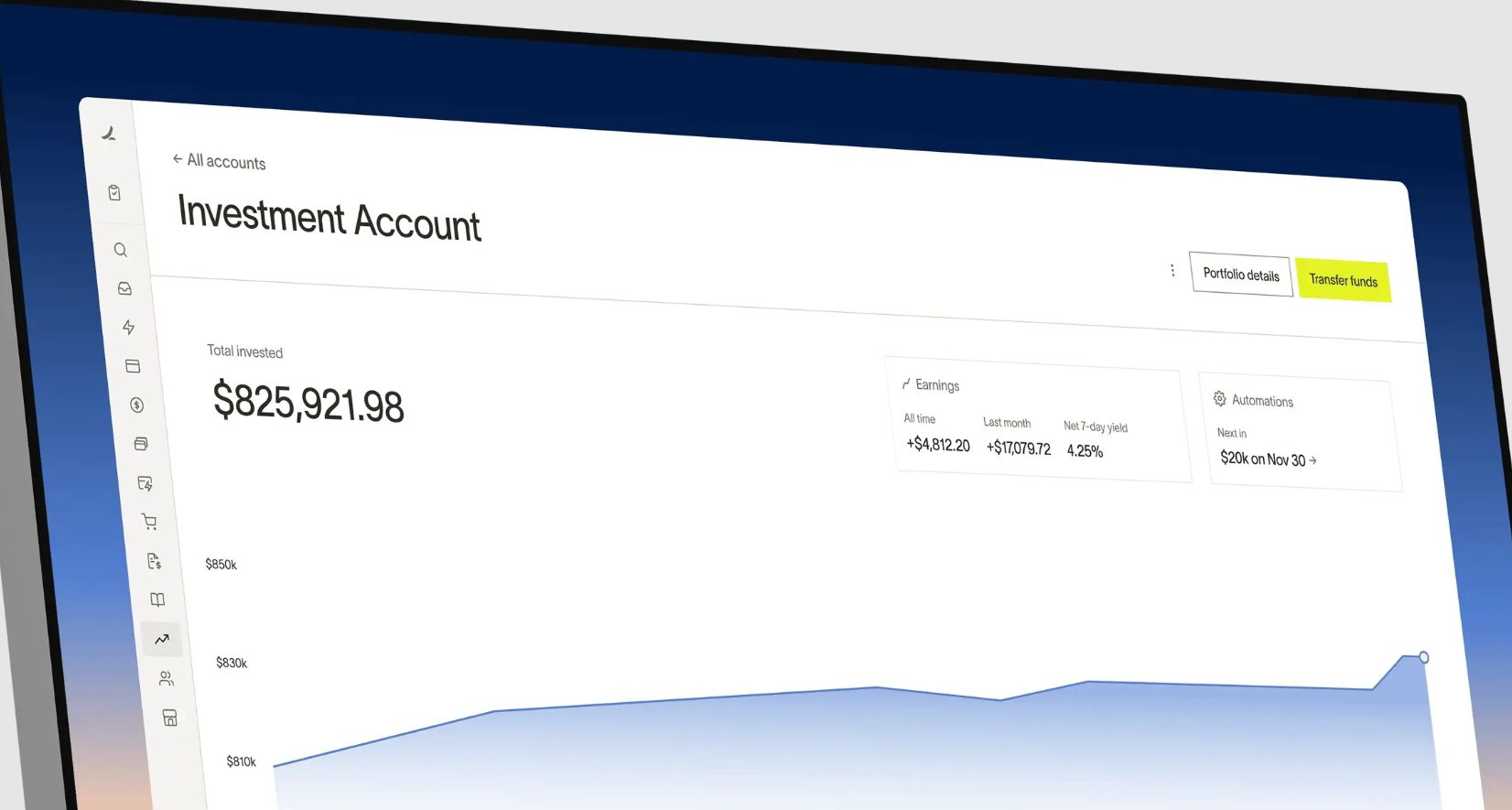
Ramp focuses on short-term financial control rather than full-scale treasury operations. However, it does offer limited credit and investment options.
| Feature | Description |
| Ramp Flex | A short-term financing option that lets companies defer payments for 30, 60, or 90 days (for eligible customers). |
| Investments | Offers an investment account where businesses can allocate cash into FUGXX (the U.S. government money market fund).
|
Integrations
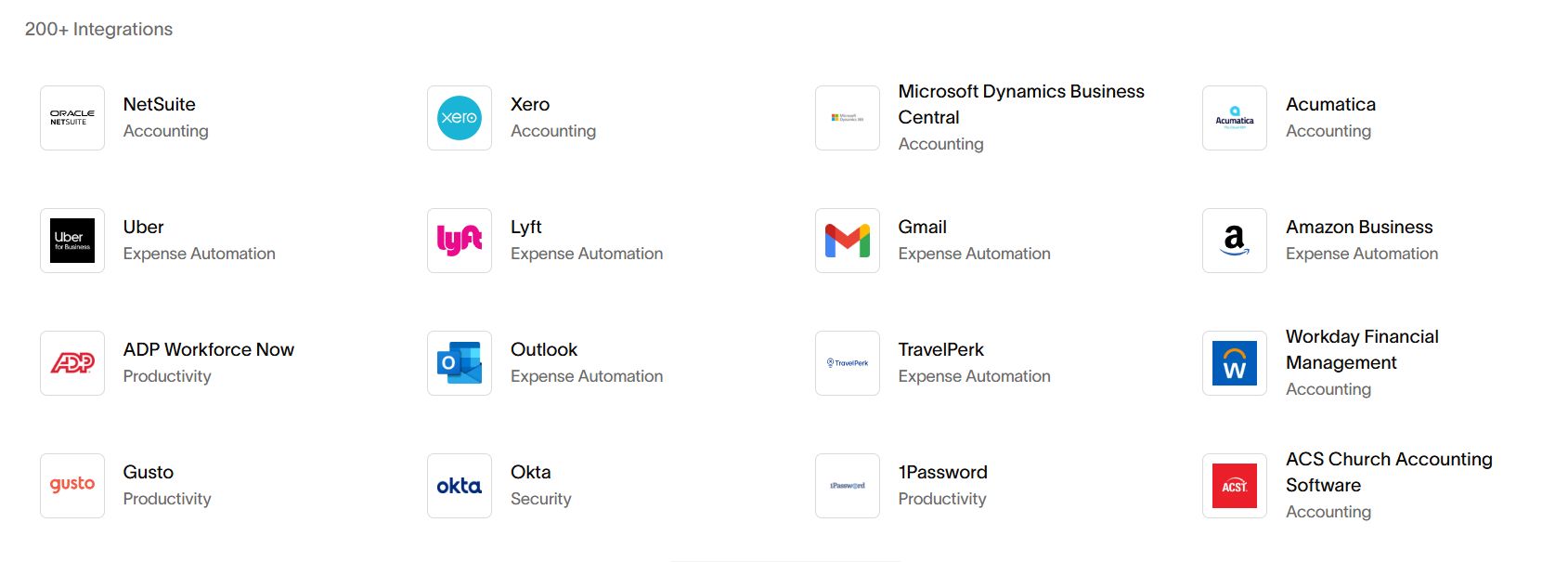
Ramp’s marketplace includes over 200 software integrations: automation, banking, accounting, productivity, etc. It also offers a flexible REST API with webhooks, enabling custom integrations for advanced workflows.
| Category | Software |
| Accounting | QuickBooks, Xero, NetSuite, Sage Intacct, Microsoft Dynamics 365, Bench, LessAccounting, FreshBooks, etc. |
| HR | BambooHR, HR Partner, Sage HR, Square Payroll, etc. |
| Productivity | HiBob, Slack, etc. |
| SAML/SSO | Okta, Azure AD, and Google SSO. |
| Document storage | Google Drive, Dropbox, and OneDrive. |
Travel management
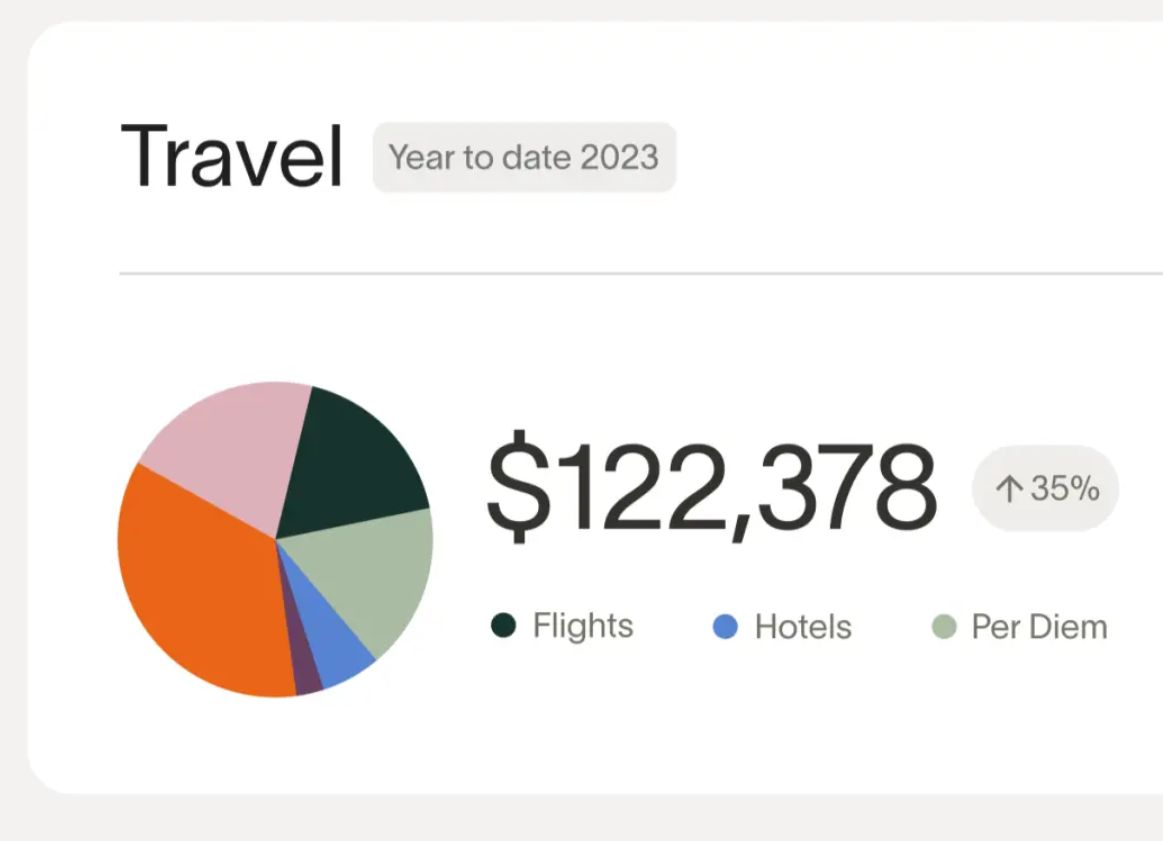
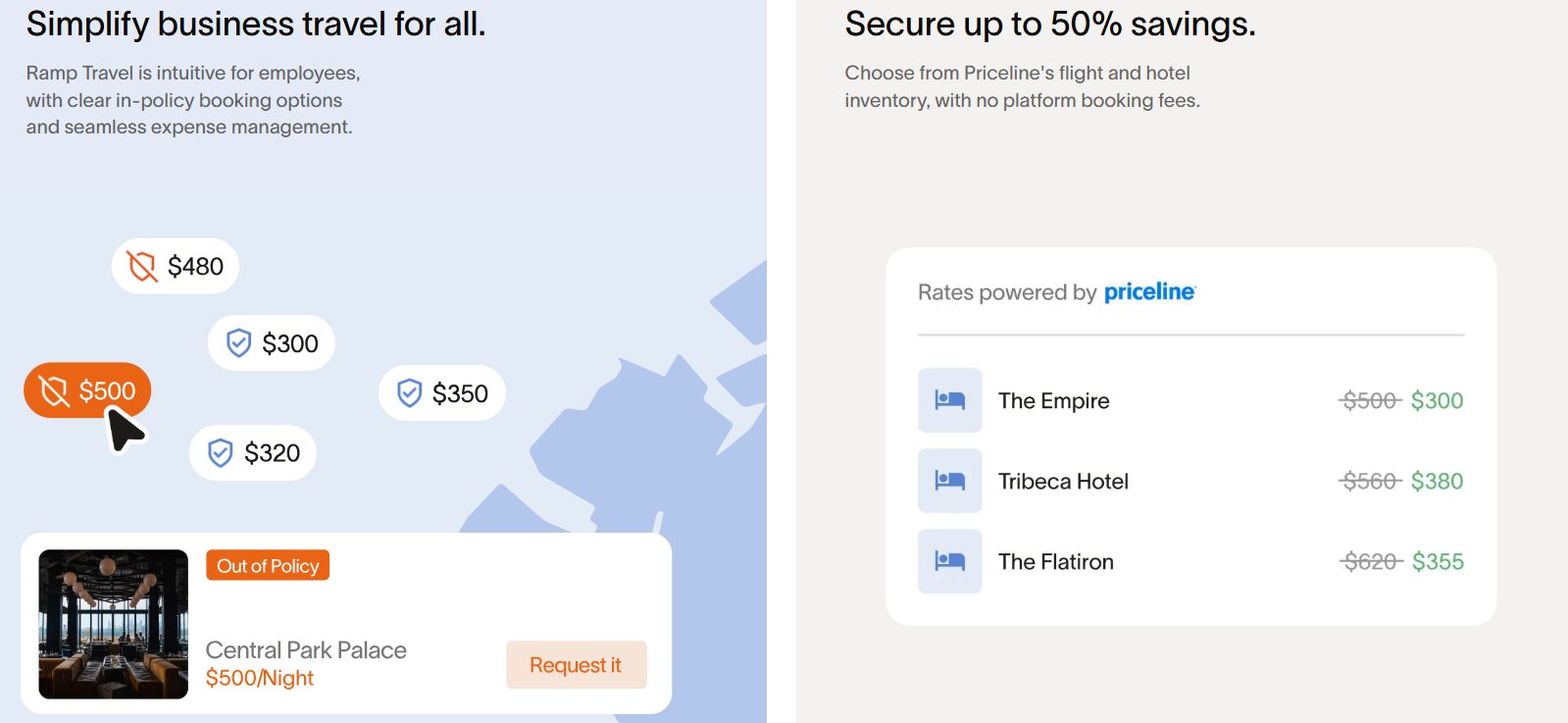
Ramp simplifies travel expense tracking by integrating travel bookings and policies into its platform. It encourages responsible spending and supports booking options with low or no fees.
| Feature | Description |
| Real-time overview | Shows all travel-related spending in real time. Finance teams can review costs by employee, trip, or department. |
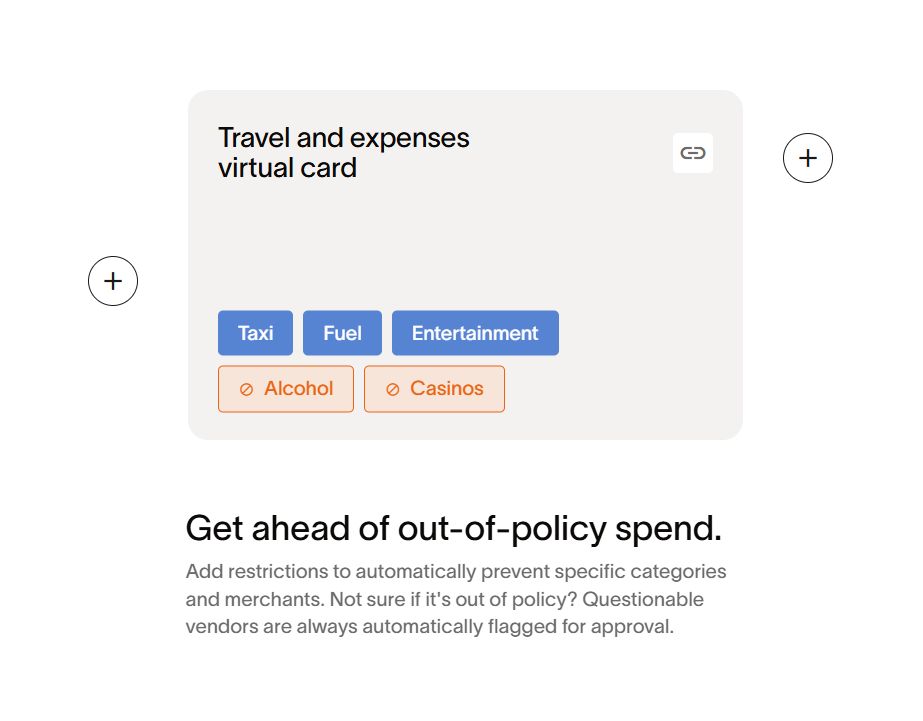
| Card controls | Enables to limitation of expense cards to travel vendors and automatically locks after the trip. |
| Rules | Travel-related expenses (flights, hotels, taxis) can be tagged and limited based on merchant categories. |
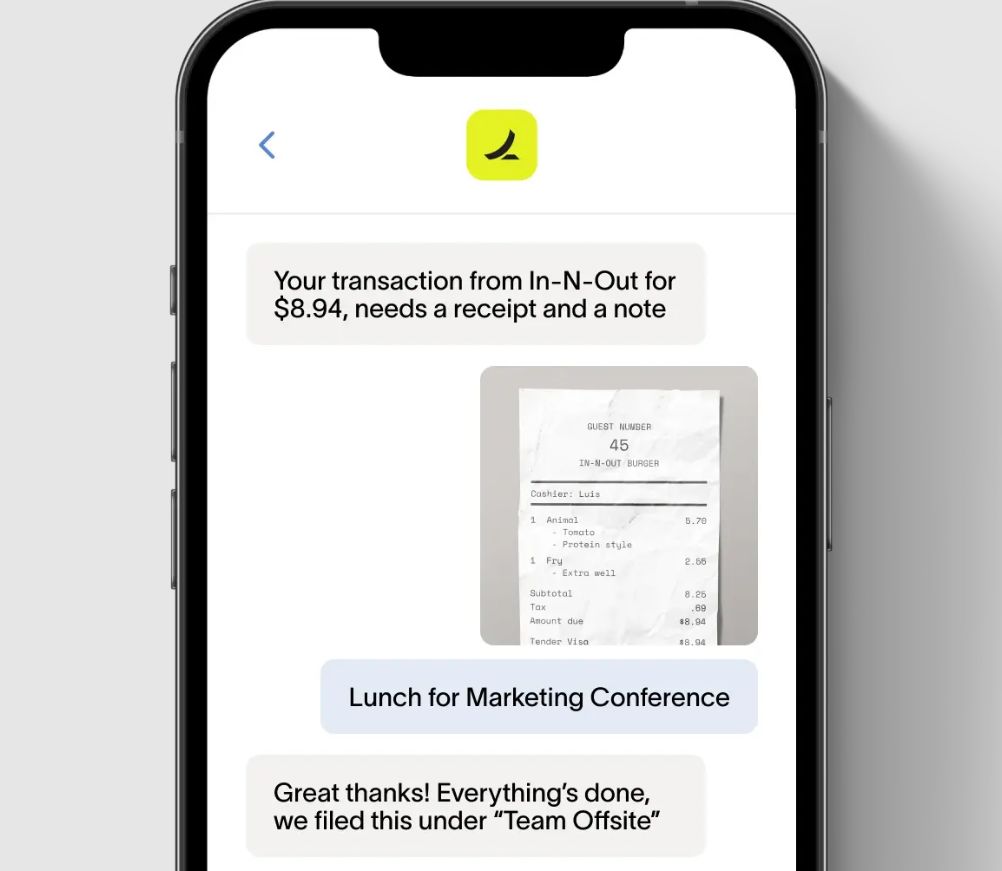
| Receipt capture | Employees can snap, upload, or email receipts; OCR automatically matches them to the correct transactions. |
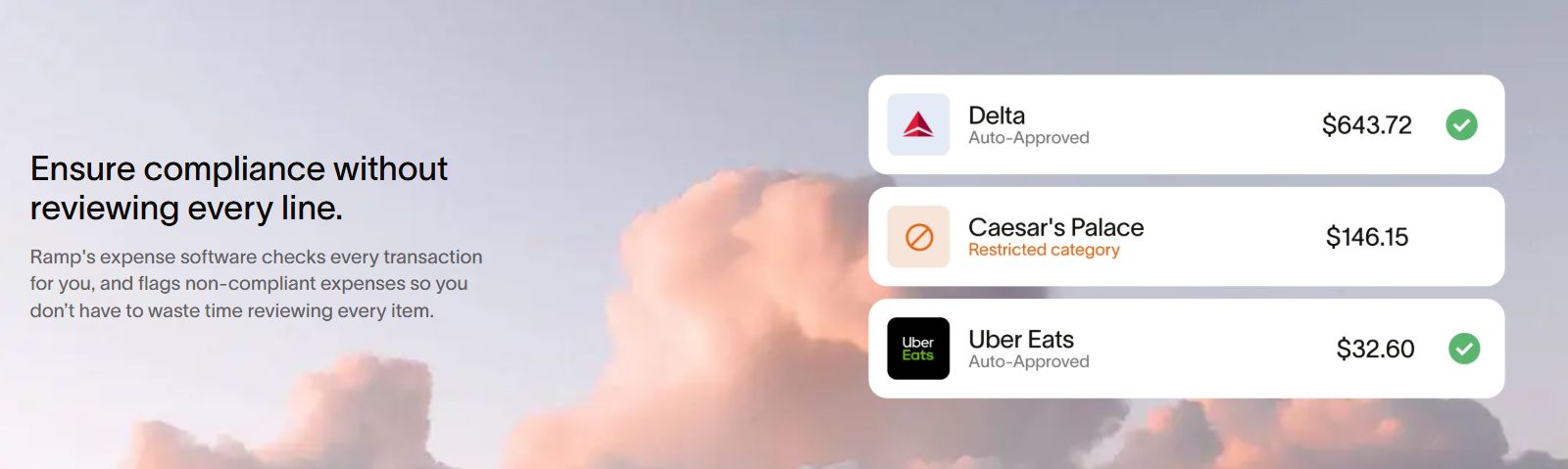
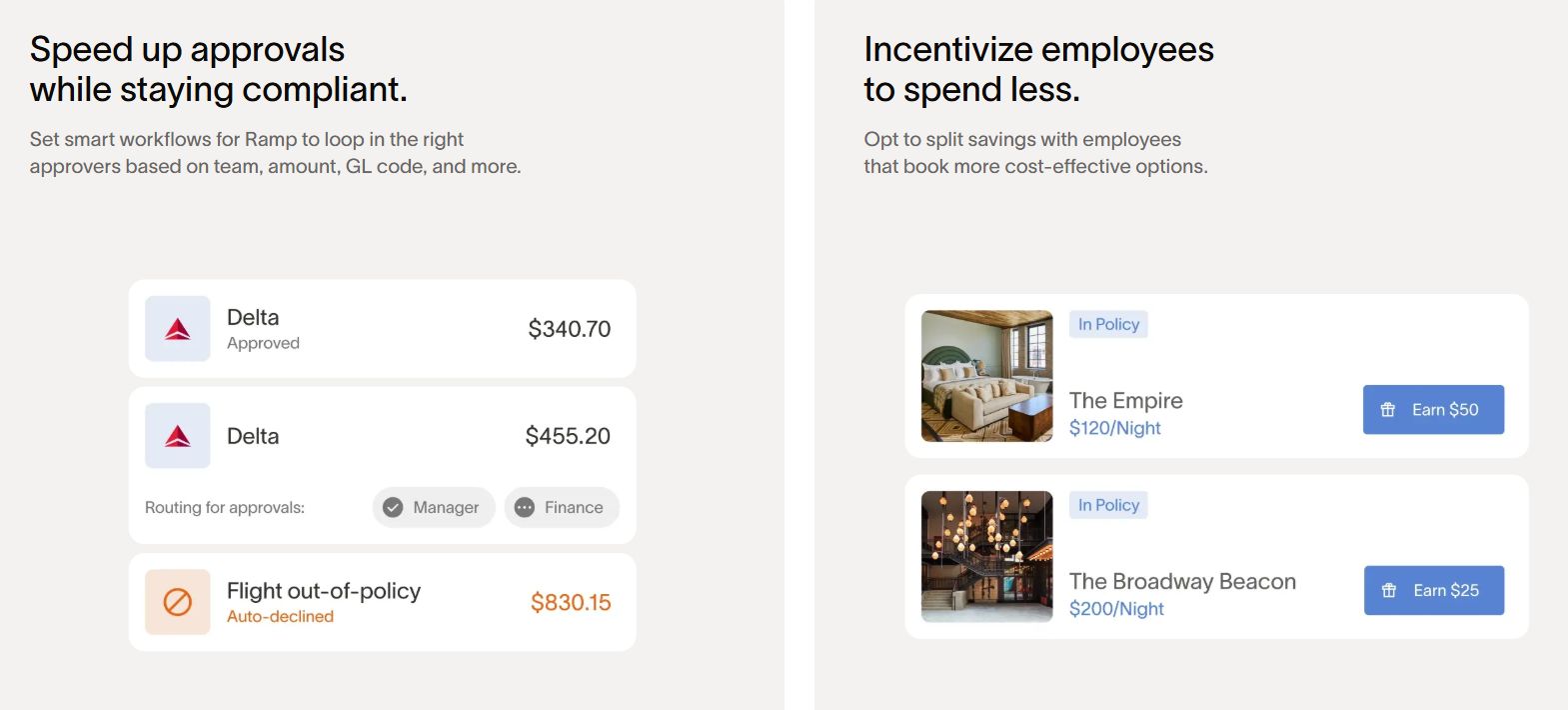
| Travel policy enforcement |
|
Resources
Ramp offers a range of educational content and product features to help finance teams improve operations and make informed decisions. These resources are designed to support clients at every stage, from onboarding to scaling.
| Category | Description |
| Blog | Regular articles on spend management, finance automation, and best practices. |
| Academy | A library of how-to guides, product tutorials, and step-by-step workflows. |
| Webinars | Live and on-demand sessions led by finance professionals and Ramp experts. |
| Business growth tools | Savings insights, ROI calculator, burn rate calculator, accounting documents templates, etc. |
| Product documentation | Technical manuals and setup guides. |
Our verdict
Ramp is a good option for U.S.-based companies. The platform supports advanced finance operations and automates business spending. It helps teams stay organized, prepare for taxes and audits, and save time and money.
| Pros | Cons |
|
|
Value for partners and competitors
Ramp’s experience in automating finance tasks offers useful lessons for competitors and opens up multiple partnership opportunities.
Benchmarking
Ramp’s rule-based tools for receipt capture, categorization, and reconciliation reduce manual work and improve accuracy. Competitors can study this model to enhance their products.
API and integration strategy
Instead of replacing core accounting or HR systems, Ramp connects with them. This shows how platforms can stay relevant by offering open APIs and embedding into existing software stacks.
Marketplace
Ramp’s marketplace gives third-party developers a way to offer specialized tools to finance teams. Software providers can reach a targeted audience and extend their product visibility.
Partnership opportunities
HR, ERP, and vertical SaaS platforms can integrate with Ramp to offer bundled solutions. Developers can also use Ramp’s public API to build custom workflows and integrations for clients.
