

“Privat24 for Business” is a mobile application for legal entities and entrepreneurs from PrivatBank. To access the application, you must be a registered user of the web version of Privat24 for Business. However, you can also log in using Privat24’s registration data for individuals. After the first login, the user can set up biometric authentication via TouchID.
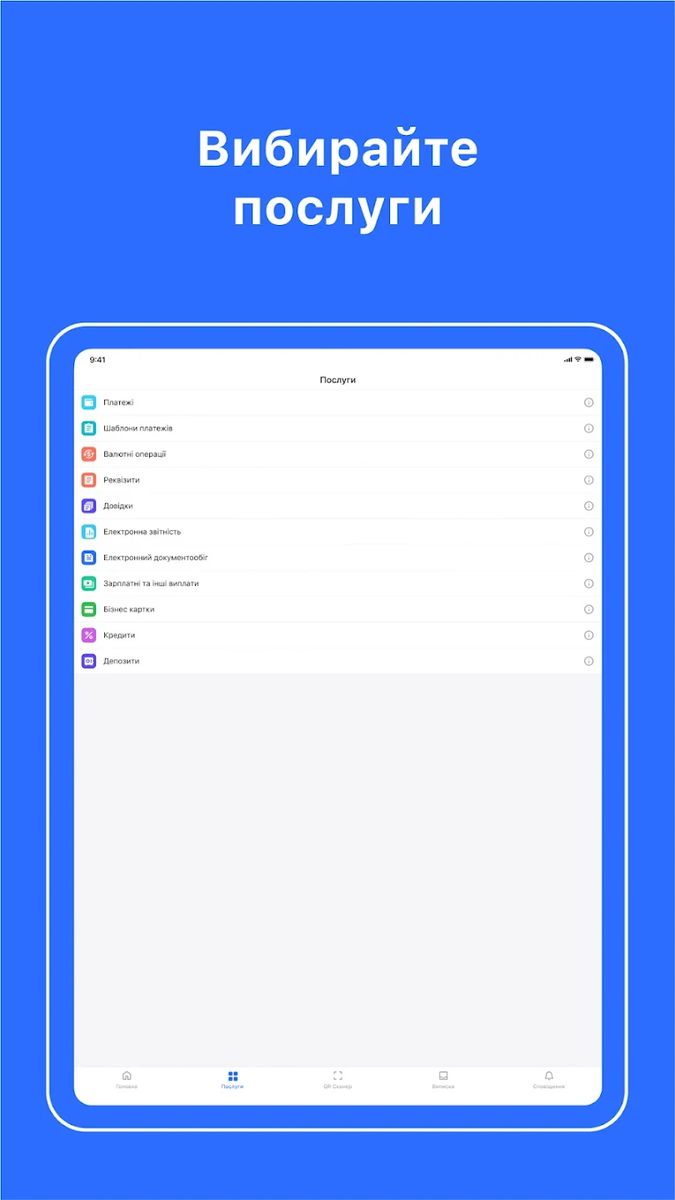
The application allows performing basic payment transactions, card transactions, currency transactions, viewing information on loan agreements, applying for and receiving a preliminary decision on a loan, performing integration with accounting programs, and others.
Also watch the video of the speech and presentation of Elena Golova, Project Manager at PrivatBank, about the advantages of the mobile application “Privat24 for Business”. The speech was held within the Expert Council “Business Mobile Banking 2023” for June 20, 2023.
Privat24 for Business App
Google Play
- Rating: 4.9 (as of Feb 19, 2025)
- Category: Finance
- Released: Mar 6, 2018
- Current version: 3.24.0
- Latest update: Jan 20, 2025
- Downloads: 1M+
- Reviews: 45500+
Apple Store
- Rating: 4.8 (as of Feb 19, 2025)
- Category: Business
- Current version: 3.24.0
- Latest update: Jan 22, 2025
- Reviews: 67200+
Main features
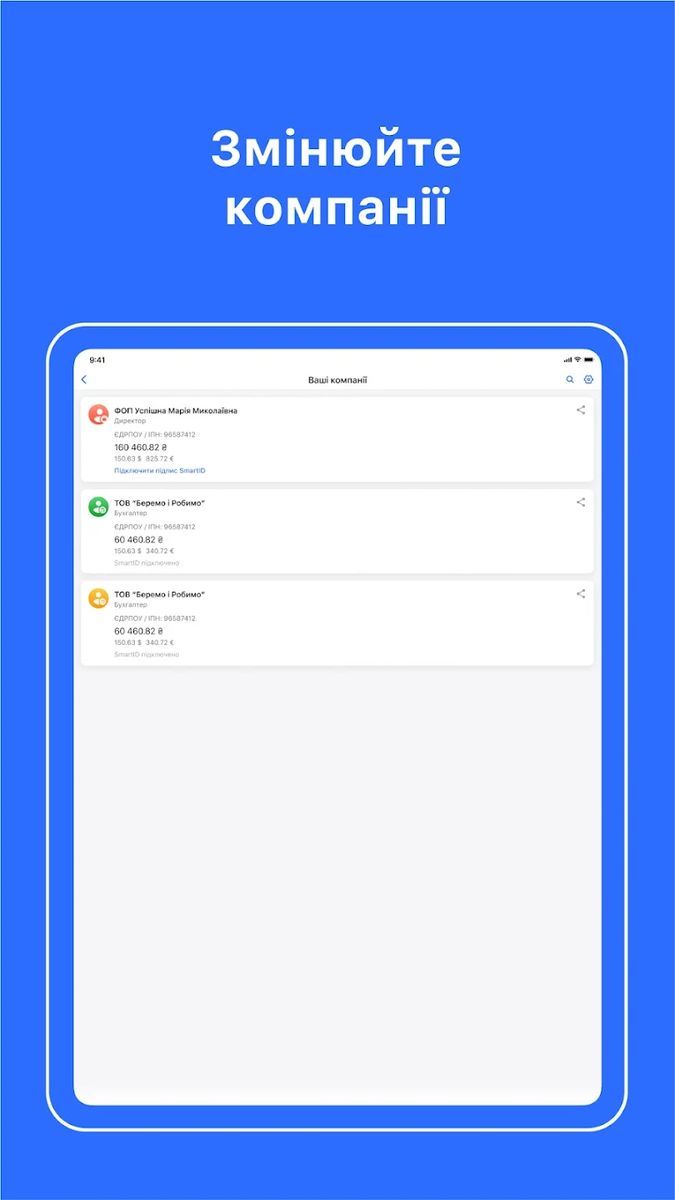
An entrepreneur can register in the application, become a client of the bank, and open an account completely remotely. A legal entity undergoes identification at a branch, after which authorized persons of the company can register in the app. The app has demo access to familiarize with mobile banking features and also allows switching between multiple company accounts and personal/business profiles.
Account Management
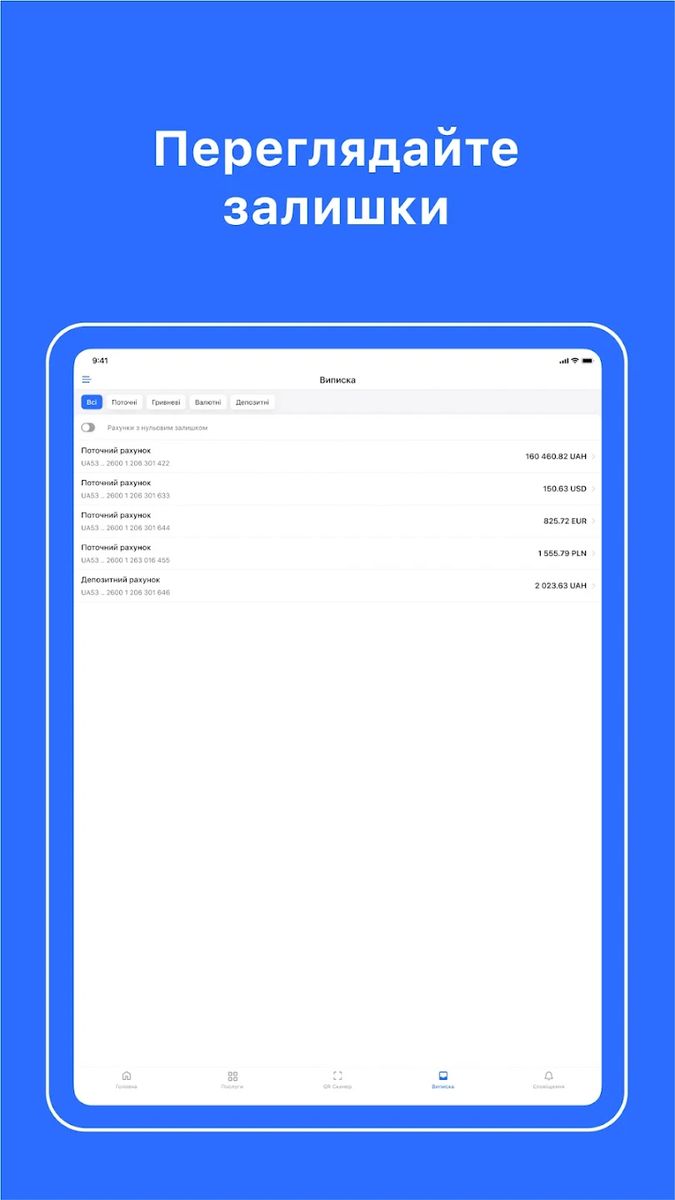
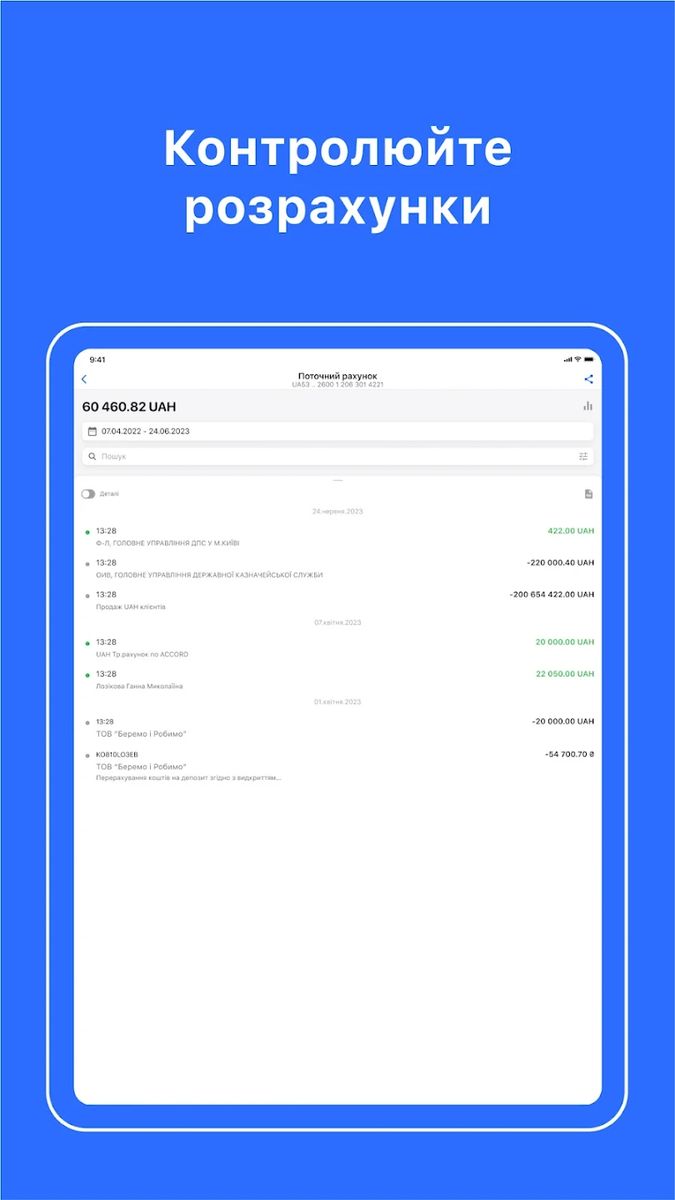
- Statement generation and export
- Ability to send a statement via a third-party application (mail, messenger, etc.)
- View your details and send them via an application (mail, messenger, etc.)
- Display account status (active, blocked, seized, etc.)
Payments
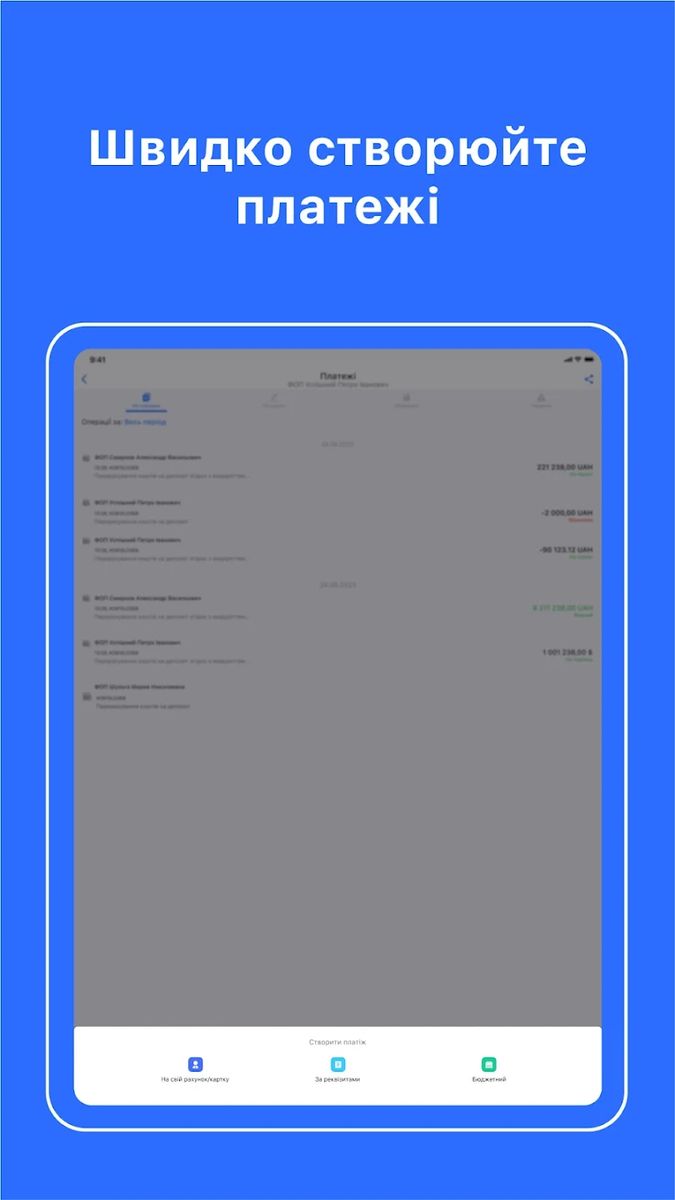
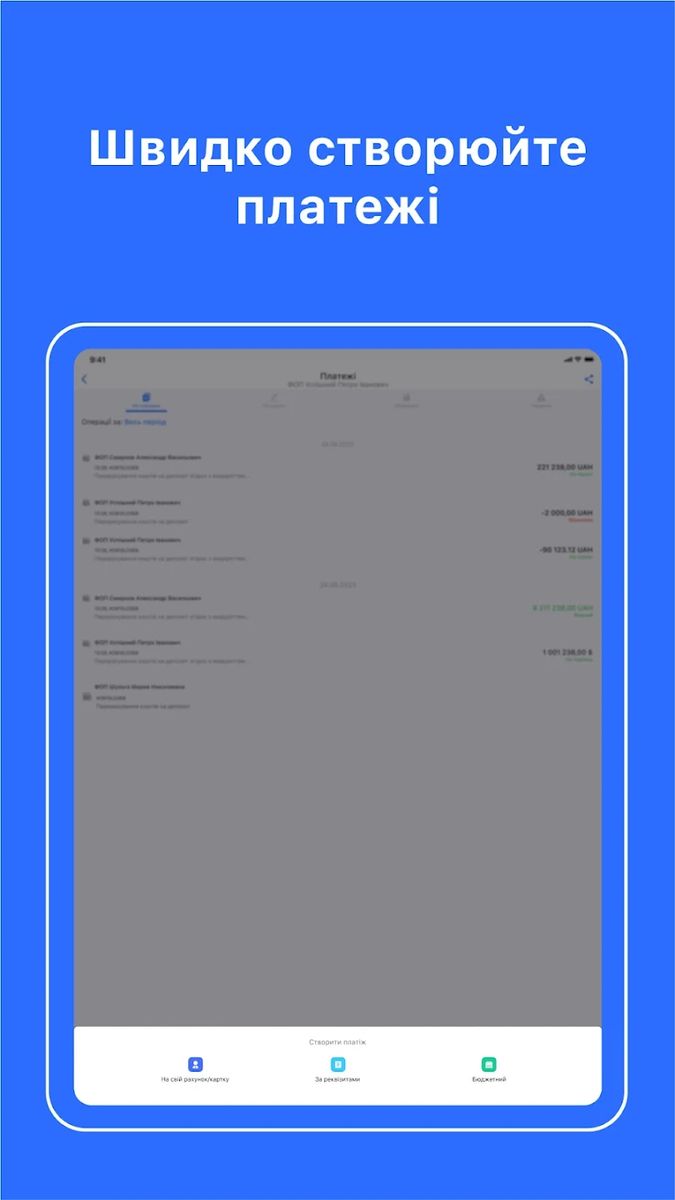
- Create payments and templates in local currency
- Create budget payments
- Autocomplete by counterparty code, account or name
- Checking the correctness of filling in fields
- Confirmation of outgoing payments via push notification
- Transfer from account to physical personal card
- Possibility to send payment document to messenger/email
- QR-payments (creating a payment by reading a QR code)
- Recurring (regular) payments (creation and management)
Foreign economic activity
- Currency exchange
Corporate cards
- Card statement generation
- Managing card limits and online payments
- General information on business cards: terms and conditions, tariffs
- Possibility to add a card to electronic wallets
- Issuance/re-issuance of corporate and virtual/digital cards online
- Card activation, closing, and blocking
Deposits
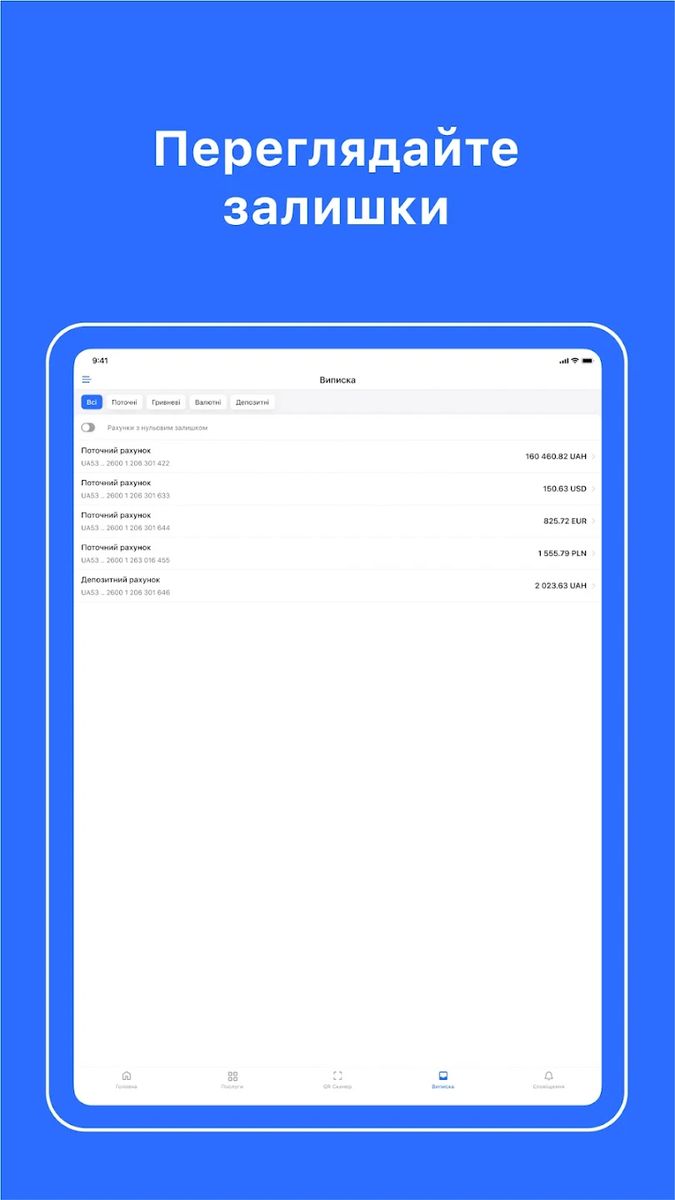
- View balances of deposit accounts
- Deposit replenishment and withdrawal
- Opening a new deposit in national currency
- Terms and conditions of the bank’s deposit products
Financing
- View information on loan agreements
- Applying for credit/guarantee/leasing
- Possibility to receive preliminary decision/proposal on credit
- Loan repayment (scheduled and early repayment)
Other features
- Ability to order and obtain a reference
- Availability of conditions on tariffs and RCO packages
- Applying for cash withdrawal from the account in the branch
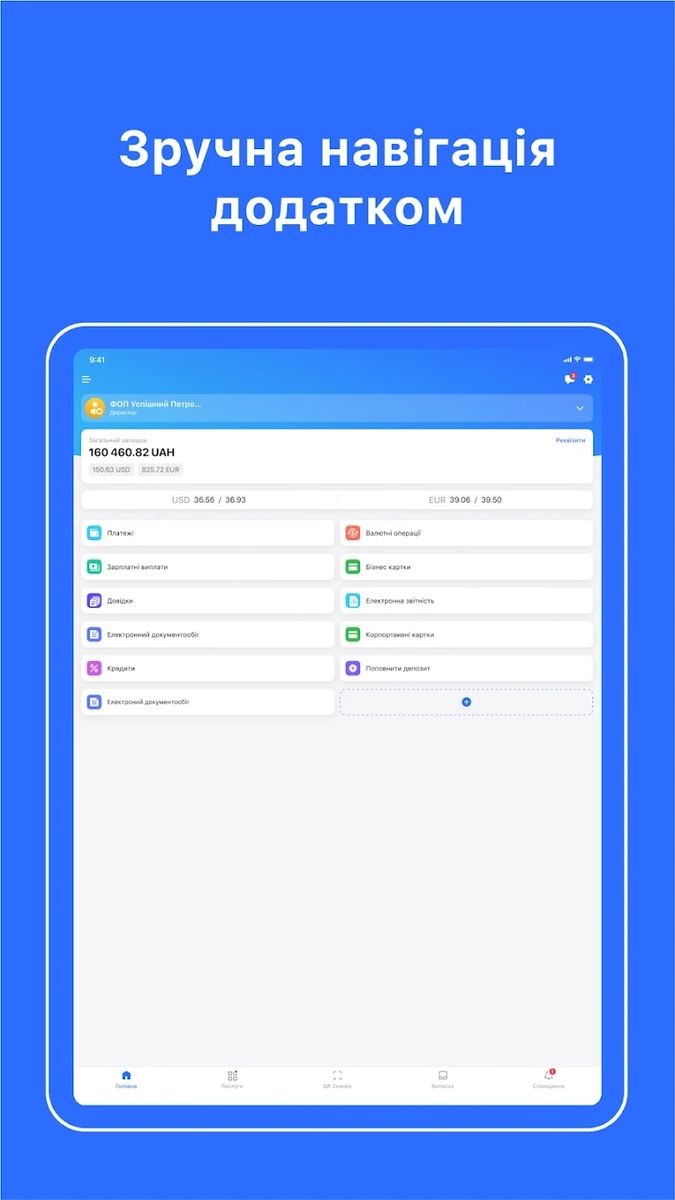
- Quick action buttons: creating a payment/forming a statement, etc.
- QR code scanner
- Customizable dashboards/widgets
- Maintenance of counterparty directory
- Invoicing of counterparties and generation of statements




Additional features and tutorial videos
SmartID
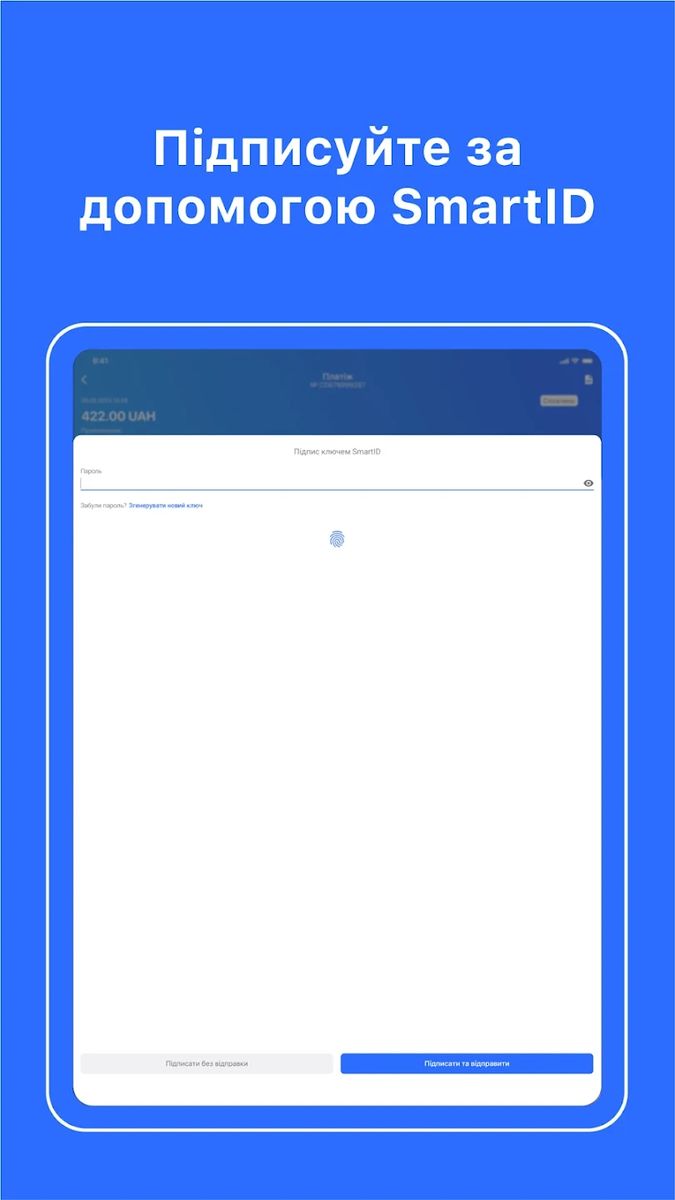
In the application the user can create a qualified electronic cloud signature SmartID for signing documents in Privat24 for Business (both mobile and web versions). SmartID can also be used on the websites of several state electronic services.
To create a SmartID, you need to:
- Open “Settings”.
- Select “SmartID”.
- Select the company for which you want to generate a signature.
- Click “Generate SmartID”.
- Enter a new password and click “Continue”.
Invoicing
How Invoicing works – service for online invoicing and payment of invoices. “Invoicing is a new service for businesses and entrepreneurs that allows you to quickly issue and pay invoices through the Internet and mobile bank “Privat24 for Business”.
When making payments with the help of “Invoicing”, the counterparty receives a fully completed payment with all details of the payer, recipient, goods or services, which only needs to be signed.
For sellers, the new automated service allows them to quickly issue an invoice, deliver it to the counterparty and receive payment. The status of all issued invoices can be tracked in Privat24 for Business, and when creating invoices you can set up integration with accounting systems to upload invoices.
For buyers, the new service of PrivatBank allows you to receive an invoice and create a payment immediately in the electronic bank in a couple of clicks without errors and the need to type all the details.
Biometric
How do I set up a biometric (fingerprint) login to the Privat24 for Business application
Playlist of functionalities and video instructions
App Release Updates
03.03.2025. Possibility to download the counterparty’s dossier in PDF format
Now you can not only check the dossier of a company or individual entrepreneur, but also download this data in PDF format or send it by e-mail.
“Business Reputation Dossier is a service that provides free information about a counterparty: registration data, enforcement proceedings, debts, court cases, movable and immovable property, etc.
How to download or send a counterparty’s dossier in PDF:
- Log in to the web version or Privat24 for Business app.
- Go to the Business reputation dossier menu and enter your EDRPOU/TIN in the upper right corner.
- Click “Search”.
- Click the “Share” button and download the report to your device or send it to your email address by clicking on the corresponding icon.
PrivatBank’s partner provides the service, the Ukrainian Bureau of Credit Histories.
iOS 3.25.0 (February 26, 2025)
What is changing:
- Instant payments. Transfer funds to partners to other banks in Ukraine in seconds. Your partner will receive the money within 10 seconds after the payment is confirmed.
- Tariff plan. The tariff is changed through the SmartID signature.
- Currency transactions. Automatic generation of letters about currency balances on clients’ accounts when creating an application for currency purchase.
- For sole proprietors who have closed their accounts, the option of generating account statements and ordering certificates has been retained.
- Notifications. For your convenience, we sort notifications from the bank into Important and Offers.
Authorization. We have improved the convenience of authorizations in the application.
iOS 3.24.0 (January 22, 2025)
Simple electronic signature: Individual entrepreneurs can conclude an agreement on the use of PES on the main screen of the application. Active sessions: Active sessions can be viewed and closed in Settings → Security section. Salary and other payments: In payroll projects, you can manage the list of recipients: add, delete, and edit employee IDs.
iOS 3.23.0 (December 4, 2024)
Deposits: Possibility to replenish a deposit, sign deposits for capitalization, and donations to the VFU. Communications: Sign language chat has been introduced. Electronic document management: Possibility to pay for receipts and expense invoices using their details. Account details: The ability to share account details in the form of a QR code or a link to receive payment.
November 18, 2024. Connection and management of acquiring services from a smartphone
PrivatBank has added acquiring functionality to the mobile application “Privat24 for Business”. Now you can create new points of sale and order POS-terminal, manage the process of connection of new points of sale and services via smartphone. It is easy to use the acquiring service in the mobile application “Privat24 for Business”: you need to go to the section “Services”, select “Acquiring” in the list of available services, press the button “Add a point of sale”, fill in the necessary information and send an application to the bank. For more convenient use of the service, just add the “Acquiring” shortcut to the home screen for instant access to all functions.
October 24, 2024. Opening a business account for FLPs in the app
Now you can open an account for FLP in PrivatBank not only through the website pb.ua/fop or the service “E-entrepreneur”, but also directly in the application Privat24 for individuals. How to open an account: 1. Authorize in the Privat24 application. 2. Choose in the menu Services-Business and the option to open an account for FLP. 3. Tell a little about your business. 4. Choose a business card and the appropriate tariff package for service. 5. Confirm account opening and order a business card. PrivatBank will automatically fill in most of the data based on already-known information about the client.
iOS version 3.21.2 (October 21, 2024)
Business Cards. When ordering a Business GO Digital card – a discount on every liter of fuel in the network of partners.
iOS version 3.21.1 (October 9, 2024)
What’s new: Payments. Individual entrepreneurs can confirm payments to their accounts/cards and to the tax office in one click. To do this, you need to sign an agreement on the use of a simple electronic signature in the web version of Privat24 for business – “Corporate Client Documents”. \\ Payment templates. Updated service interface. \\ Business cards. You can order a Platinum Digital business card. \\\ Electronic document management. You can sign incoming PDF documents. \\\ Communications. You can report fraud.
iOS version 3.20.0 (September 2, 2024)
What’s new. – Report Calendar. Submit reports on time with the reporting calendar. Add and delete reports yourself or synchronize data with tax authorities. Receive reminders about report due dates, send them and track processing status. – Payments. If you need a refund, initiate a refund in a few clicks. Open an incoming payment in the “Payments” menu and click “Refund.” Review the details already filled out and simply sign.
iOS version 3.19.0 (July 30, 2024)
What’s new. “Debit Transfers. The creation of payment for debit transfer requests in the “Statements” menu has been implemented. \\\ “Currency Exchange”. Added display of exchange rate when converting currency. \\ “Electronic Document Management”. The service interface has been updated. \\\ “Verification of individuals”. A service that verifies individuals and assesses the risks of cooperation has been implemented. The service is provided by UBCI partner PrivatBank.
iOS version 3.17.0 (June 11, 2024)
What’s new. ‘Electronic Document Management’. Now you can select the amount of debit debt when paying invoices. \\\\ Added a new ‘Order Cash’ shortcut to the app’s home screen and made the order form search for branches. \\ Added a “Requests” section with a list of requests and responses to them in the “Communication” section. \\\\\ We updated the side menu. Removed “Tariff plan”, added information about the version, and realized the possibility of switching to personal Privat24.
iOS version 3.16.0 (May 21, 2024)
What’s new. Currency transactions. Changed the design of the service, added tips, and the ability to share the receipt of a currency exchange request. \\\ Communications. We added a section and moved the “Online Help” chat, application ratings, maps, suggestions, and wishes to it. We also supplemented it with support phone numbers, contacts of personal managers and realized ordering a callback from the bank.
iOS version 3.15.1 (April 12, 2024)
What’s new. “QR-Scanner”. Implemented the ability to create payments by scanning a QR code. Scan the QR code for a payment and get a pre-filled payment. Check the data and sign. We’ve taken steps to improve the security of the app. Removed session auto-renewal. Company Photo. Now you can add your company photos to the main page of the app.
iOS version 3.14.0 (March 18, 2024)
What’s new: – Payments. Implemented the ability to return a sent payment or clarify its details. In addition, it is now possible to check the counterparty directly through the form of creating a payment. – “Requisites”. The possibility of creating an invoice has been added. – Statements”. New types of statements on account status and credit debts have been added. – “Electronic Reporting”. You can download documents that you previously sent to the State Tax Service. – Improved SmartID signature functionality.
February 6, 2024. More than 65% of PrivatBank’s business clients already use Privat24 for Business application
As of the beginning of February 2024, more than 65% of PrivatBank’s business clients are active users of the mobile application “Privat24 for Business” for receiving information on accounts and making payments. As Evgeniy Zaigraev, member of PrivatBank’s Management Board for SMEs, said, over the last year the share of users who prefer the mobile application to the more familiar web bank has increased by 31%.
iOS version 3.11.0 (Jan. 16, 2024)
What’s New: Payments. Enabled creation of payments with value date. \ “Salary and other payments”. Clients who do not have open current accounts can create payrolls and add previously made payments to their payroll project account. You can view detailed information about tax payments on payrolls.
January 9, 2024. PrivatBank’s business clients can pay salaries to their employees in the application
The updated functionality of the mobile bank for business clients “Privat24 for Business” allows not only to view and sign already created payrolls, as before, but also to create new payrolls and make payments to them. Paying salaries through PrivatBank clients get an opportunity to make deposits round the clock and in minutes. Crediting of salary by one statement to PrivatBank cards and cards of other banks saves from additional work on the creation of several statements, if employees wish to receive salary in different banks. A separate line of consultants to support accountants is available to help with payroll issues.
